If you’ve recently noticed your garage door opener beeping, you’re not alone. It’s a common issue for homeowners, and in most cases, it’s nothing serious. Whether it’s a low battery, a sensor problem, or a system alert, there’s usually a quick fix.
At 24H Garage Doors, we’re here to answer a question many homeowners ask: why is the garage door opener beeping, and more importantly, how can you fix it?
Why Is My Garage Door Opener Beeping: Common Reasons & Fixes
Published: Aug 8, 2025 | Updated: Jul 28, 2026
Battery Backup Warning
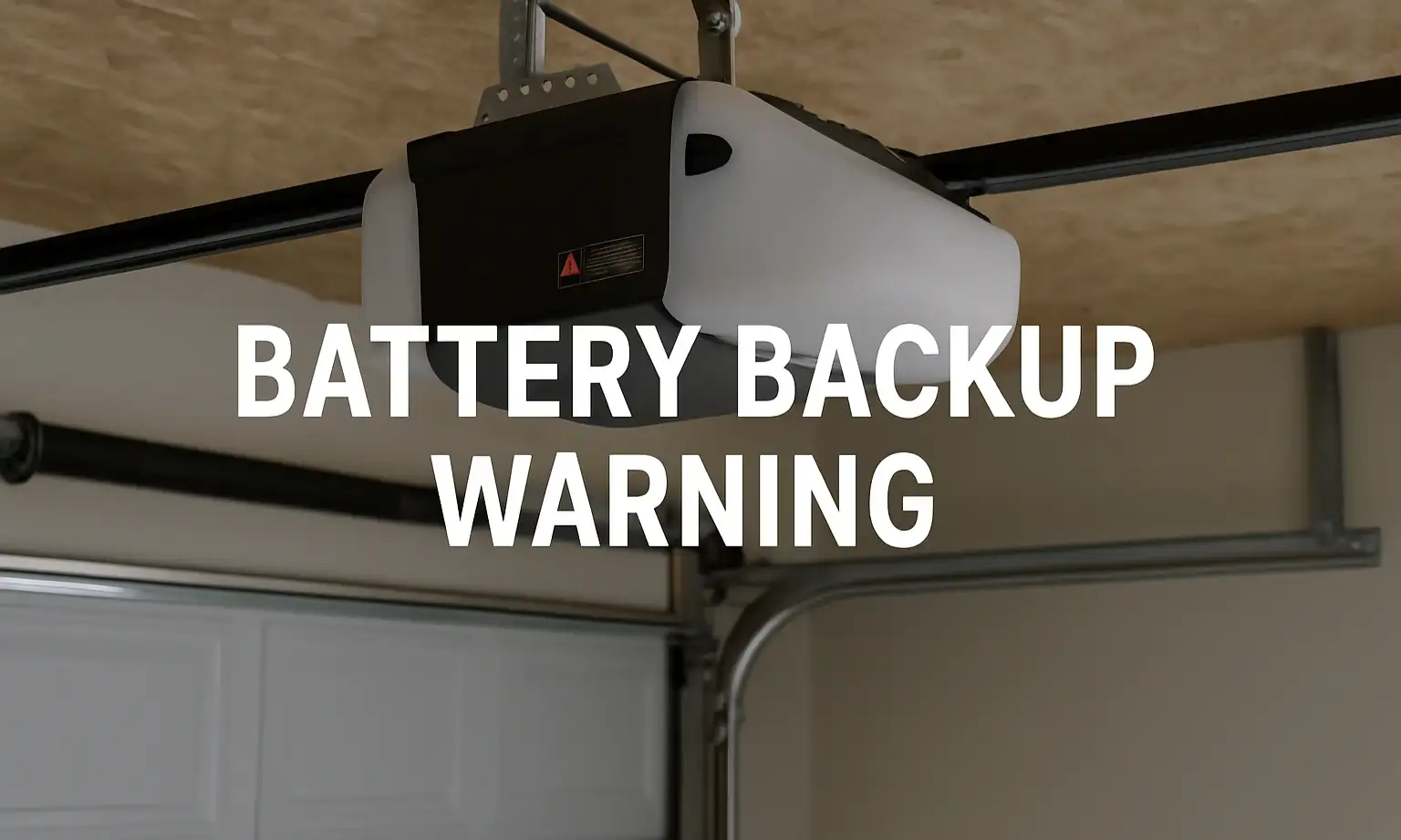
Many modern garage door openers come equipped with a built-in battery backup. If your garage door opener is beeping every 30 seconds, it’s often a sign that the battery is low or needs replacement. In some cases, power outages or recent storms can trigger the beeping, even if the battery is still good.
What You Can Do
Start by checking your owner’s manual to find the battery compartment. If you’re not sure how to access it, take a look at our guide on how to open a garage door opener. Replace the old battery with a new one — most models use a 12-volt (12V) battery. If the beeping continues afterward, try resetting the system. If that doesn’t fix the issue, it may be time to call a technician.
Safety Sensor Obstruction
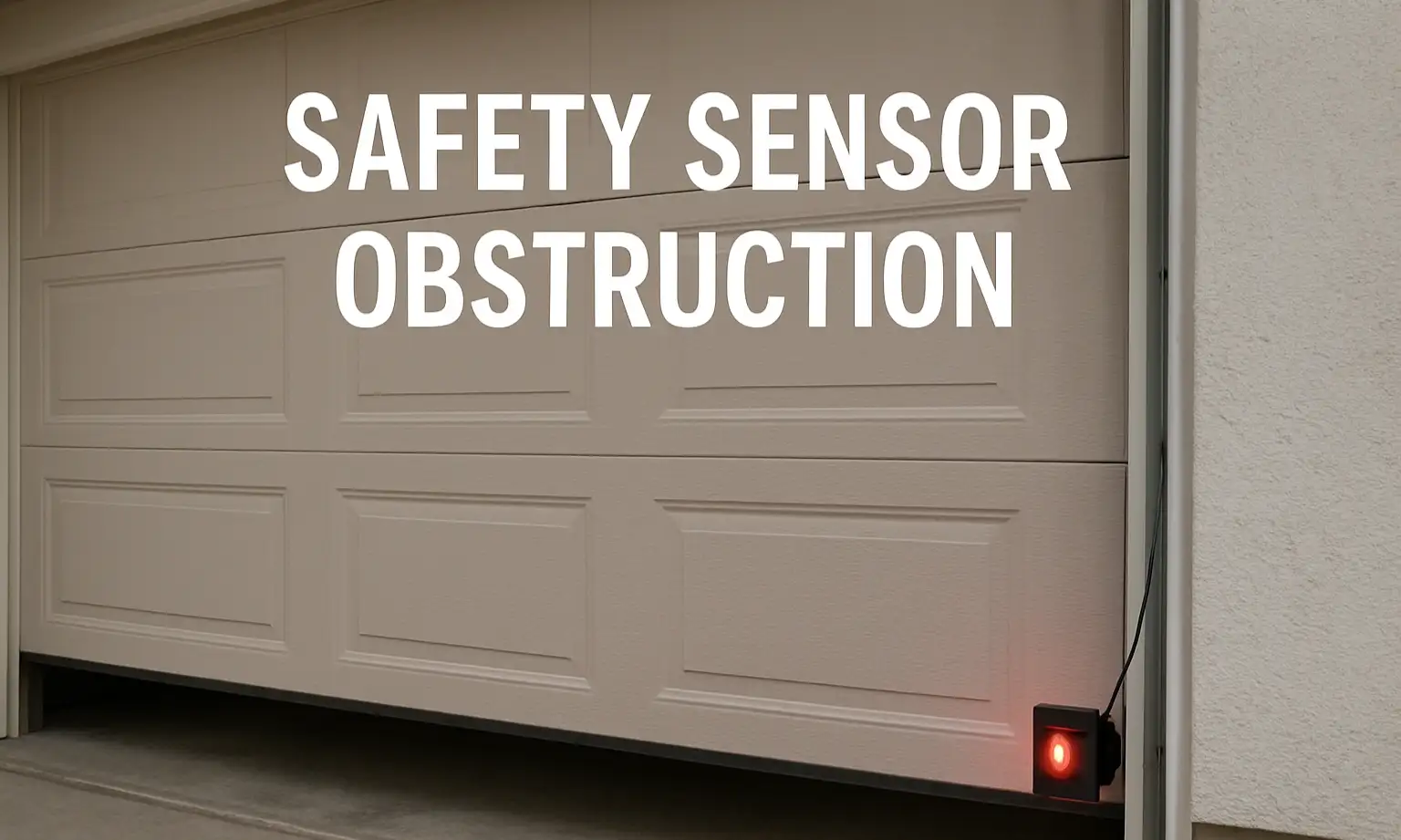
Sometimes, a garage door opener beeping can be caused by an issue with the safety sensors. These sensors are located near the bottom of the garage door tracks and are designed to prevent the door from closing if something is in the way. When the sensors are blocked or out of alignment, your opener may beep to signal the issue.
What You Can Do
Start by checking the sensor lights — both should show a steady light when working correctly. If one lens is off or blinking, clean it with a soft cloth. Look for anything blocking the sensor path — storage bins, tools, or even dust. Then, carefully realign the sensors so they face each other. Once both lights stay solid, the beeping should stop. If it doesn’t, you may need a technician to inspect or replace the sensors.
Scheduled Maintenance Reminder
Some garage door openers — especially newer smart models — include a built-in alert system that reminds you when it’s time for routine maintenance. If your garage door opener is beeping even though the door opens and closes normally, this alert may be the reason. The first time it happens, it might catch you off guard, but it’s your system’s reminder to check for wear or needed adjustments.
What You Can Do
Check your owner’s manual to see if your opener includes a maintenance reminder feature. If it does, you’ll typically find instructions on how to clear or reset the alert. Take this opportunity to look over the springs, chains, and rollers for signs of wear. If you’d rather not handle it yourself, 24H Garage Doors offers routine garage door maintenance to keep everything in working order.
Programming or System Update Beep
If you recently installed a smart opener or updated your system’s software, the garage door opener beeping could be part of the normal setup process. Many models beep briefly to confirm a successful connection with your home network or devices. In other cases, the beeping means there are still setup steps to complete.
What You Can Do
Check your mobile app or wall-mounted control panel for any prompts or confirmation messages. Follow the instructions to finish the connection. If you’ve completed all the steps and the beeping continues, try rebooting the opener by unplugging it for 30 seconds and then plugging it back in.
Power Interruption or Surge
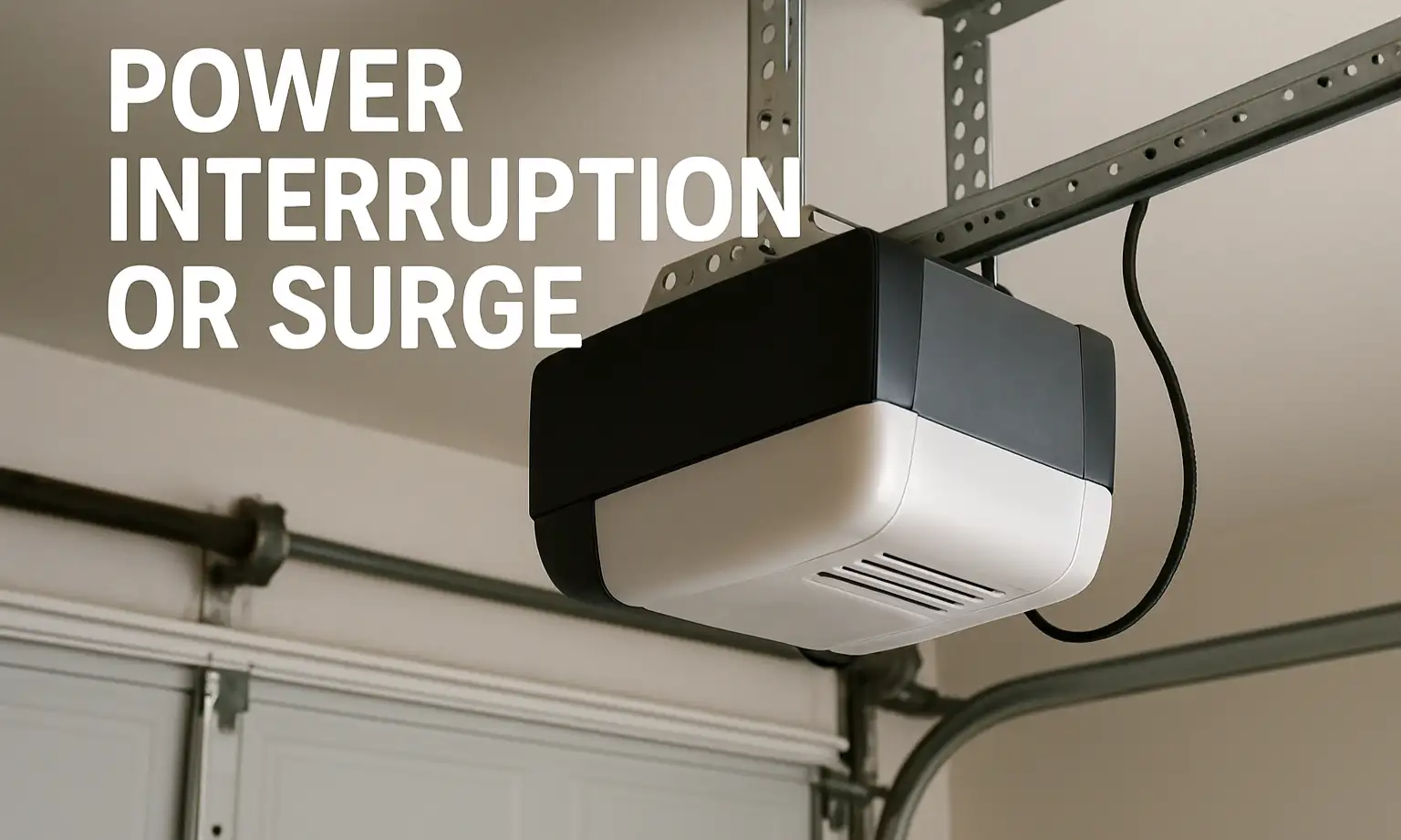
Garage door openers are sensitive to power issues. If you hear the garage door opener beeping after a power outage or electrical surge, it may have triggered a system reset. This is especially common in models with built-in surge protection or power monitoring features.
What You Can Do
Unplug the opener from its power outlet and wait about 30 seconds. Then, plug it back in to allow the system to reboot. Once it’s powered on, test your garage door to see if it operates normally. If the opener still doesn’t respond, check your home’s circuit breaker or GFCI outlet to make sure power is reaching the unit.
Incorrect Settings or Malfunction
If none of the common fixes work and your garage door opener is beeping, it may be a sign of a deeper electrical issue. This could involve the logic board, internal wiring, or another malfunctioning component. Continuing to use the opener in this state can lead to more serious and potentially more expensive repairs.
What You Can Do
Stop using the opener until a technician can inspect it. For a fast and reliable solution, schedule a garage door opener repair with a trusted professional. Be sure to have your warranty information handy in case any parts need to be replaced.
Summing Up
If you’ve been asking yourself, “Why is my garage door opener beeping?” — now you know the most common reasons. In many cases, it’s just your system letting you know it needs a quick fix, like a new battery or sensor adjustment. Still, if the sound keeps coming back or your door stops working properly, don’t wait to get it checked.
24H Garage Doors is available 24/7 for diagnostics, repairs, and replacement parts. Whether it’s a quick check-up or an emergency, our friendly, trained team is here to help keep your garage safe, quiet, and reliable.
24H Garage Doors is available 24/7 for diagnostics, repairs, and replacement parts. Whether it’s a quick check-up or an emergency, our friendly, trained team is here to help keep your garage safe, quiet, and reliable.
Frequently Asked Questions
My opener beeps every 30 seconds. What usually causes that?
Many modern openers have a built-in battery backup, and beeping every 30 seconds is often a sign that the battery is low or needs replacement. In some cases, power outages or recent storms can trigger the beeping even if the battery is still good. You can check your owner's manual to find the battery compartment and replace it, typically with a 12-volt battery.
Could my safety sensors be the reason for the beeping?
Yes. The safety sensors located near the bottom of the door tracks prevent the door from closing if something is in the way, and the opener may beep when they are blocked or out of alignment. Check that both sensor lights show a steady light, clean any lens that is off or blinking, remove anything blocking the path, and realign the sensors to face each other. Once both lights stay solid, the beeping should stop.
Why does my opener beep even though the door opens and closes fine?
Some newer smart openers include a built-in alert system that reminds you when it is time for routine maintenance, which can cause beeping even when the door works normally. Check your owner's manual to see if your opener has a maintenance reminder feature and how to clear or reset it. It is also a good time to look over the springs, chains, and rollers for signs of wear.
I just set up a smart opener and it is beeping. Is that normal?
If you recently installed a smart opener or updated your system's software, the beeping could be part of the normal setup process, as many models beep to confirm a successful connection or to signal remaining setup steps. Check your mobile app or wall-mounted control panel for prompts and follow the instructions to finish. If the beeping continues after all steps are complete, try rebooting the opener by unplugging it for 30 seconds and plugging it back in.