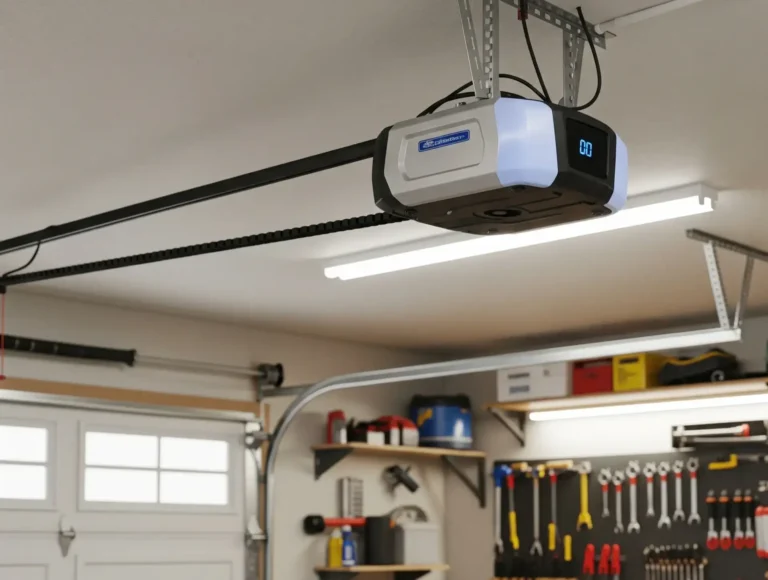
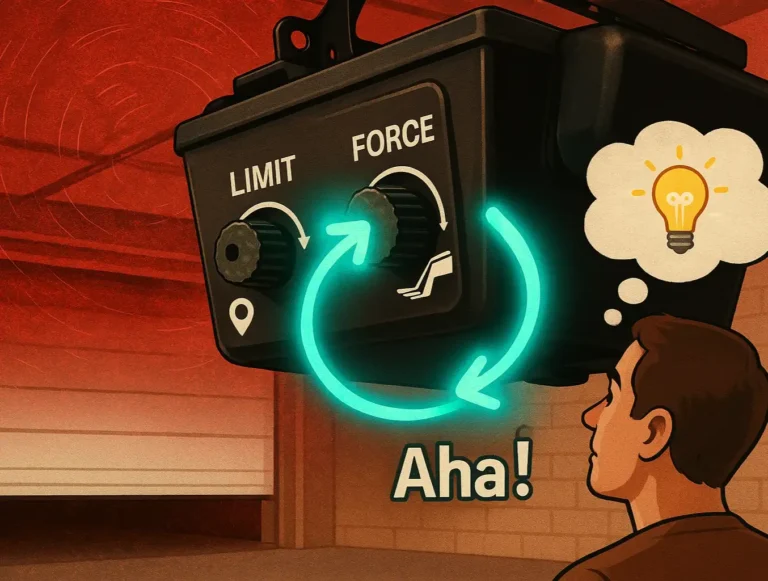
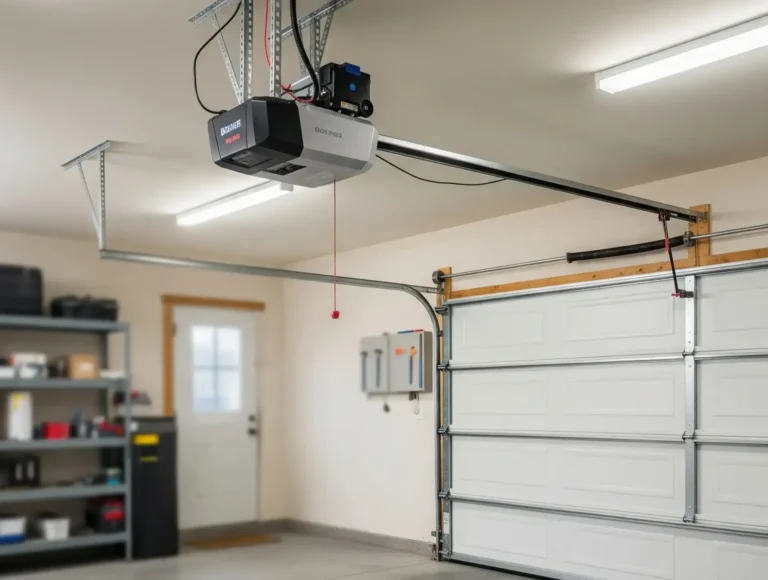
Is your garage door opener no longer responding like it used to? Or perhaps you’ve got a new remote or keypad that needs to be set up. Then you’re probably wondering: how to reprogram my garage door opener? The good news — in most cases, you can handle it yourself, and it only takes a few minutes.
In this guide, 24H Garage Doors explains when you should reprogram your opener, how to do it step by step for both remotes and keypads, and when it’s time to call a pro.
How to Reprogram a Garage Door Opener: Easy Steps for Remote or Keypad
Published: Jul 23, 2025 | Updated: Jul 28, 2026
When Should You Reprogram Your Garage Door Opener
There’s no fixed schedule for when to reprogram a garage door opener, but here are a few common situations when it makes sense:
In these cases, reprogramming simply updates or adds specific devices without affecting anything else. However, if you need to remove all previously paired devices — for example, after a security concern — you’ll need to perform a full reset instead. (See our guide on how to reset a garage door opener for when and how to do that.)
How to Reprogram Garage Door Opener: Step-by-Step
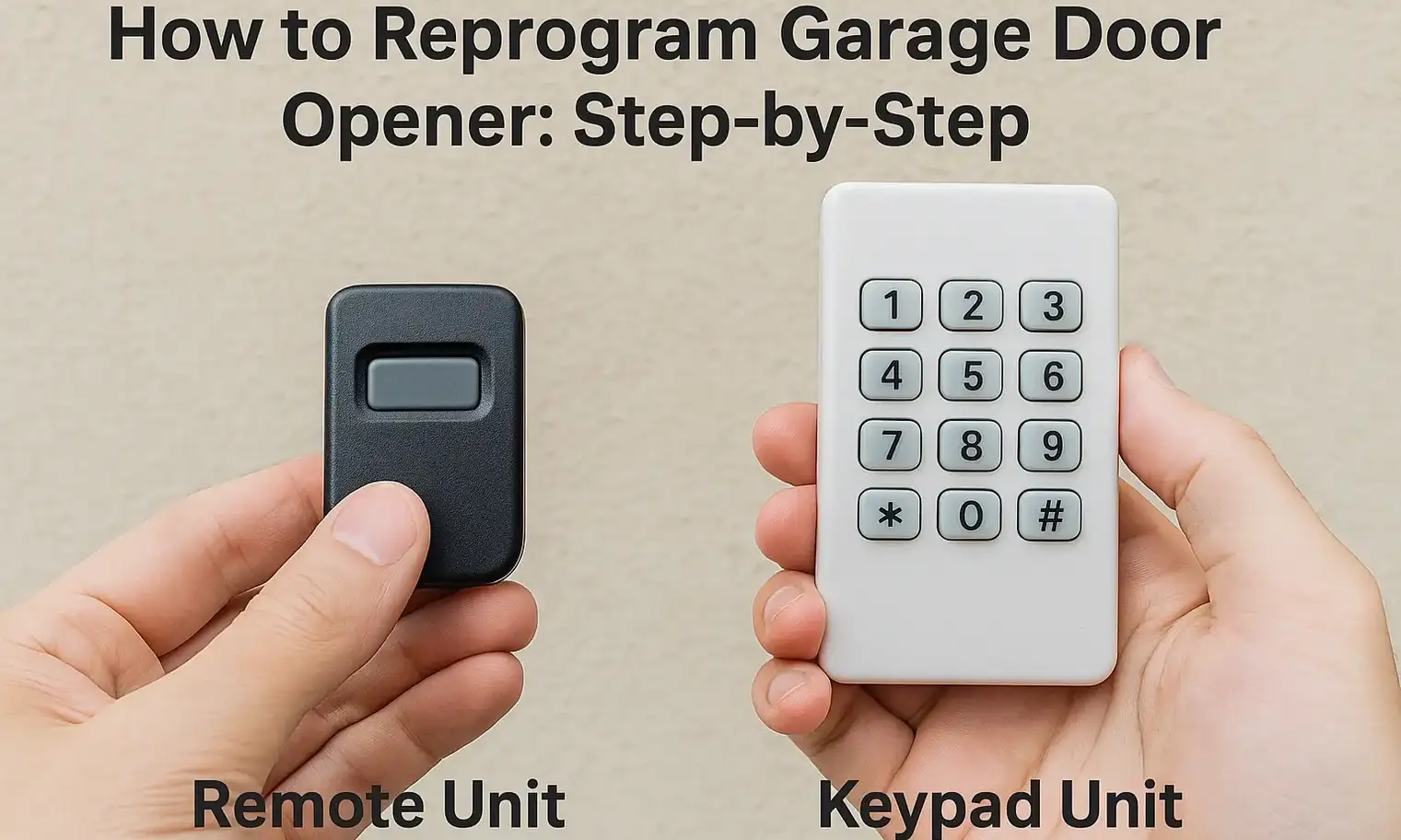
Whether you’re adding a new remote or updating your keypad code, reprogramming is simple and nearly identical across most systems. It only takes a minute or two, and you won’t need any tools. Here’s how to reprogram a garage door opener remote and keypad in a few steps:
Remote Unit
If nothing happens, try standing closer or replacing the battery. For older systems, check whether your opener uses DIP switches instead of a learn button.
Keypad Unit
Can You Reprogram a Garage Door Opener Yourself (And When to Call a Pro)
A lot of homeowners ask: Can I reprogram a garage door opener on my own? The answer is yes — as long as your opener has a visible learn button and isn’t damaged, you can handle the job yourself.
However, if:
However, if:
Wrapping Up
Now you have a clear answer to how to reprogram a garage door opener remote (or keypad) for smooth performance. Whether you’re replacing a remote, updating access, or troubleshooting a device that stopped working, reprogramming is something most people can handle on their own.
Still, if you’ve followed the steps and your system isn’t responding, or if things seem a bit more complicated than expected, it might be time to have a technician take a closer look. 24H Garage Doors offers reliable garage door repair services when a DIY fix isn’t enough. Reach out anytime for dependable support and clear answers.
Still, if you’ve followed the steps and your system isn’t responding, or if things seem a bit more complicated than expected, it might be time to have a technician take a closer look. 24H Garage Doors offers reliable garage door repair services when a DIY fix isn’t enough. Reach out anytime for dependable support and clear answers.
Frequently Asked Questions
When does it make sense to reprogram my opener?
There's no fixed schedule, but common situations include moving into a new home, a remote or keypad being lost or stolen, giving or removing access for a tenant, guest, or contractor, a remote or keypad that stops working correctly, or buying a new remote or upgrading your keypad. In these cases, reprogramming updates or adds specific devices without affecting anything else.
What's the difference between reprogramming and doing a full reset?
Reprogramming simply updates or adds specific devices without changing your other paired ones. If you need to remove all previously paired devices, for example after a security concern, you'll need to perform a full reset instead.
How do I pair a remote using the learn button?
Locate the learn button on your opener's motor unit, usually near the antenna or behind the light cover, then press and release it without holding it, since holding erases all devices. Within 30 seconds, press and hold the button on your remote and watch for the opener's light to blink or listen for a click as confirmation. If nothing happens, try standing closer or replacing the battery.
Is this something I can do myself, or should I call a professional?
You can usually handle it yourself as long as your opener has a visible learn button and isn't damaged. It's time to call a pro if your system is older and doesn't respond, the learn button is missing or broken, or you keep reprogramming but nothing saves.