Lost your garage remote? Whether you’re syncing a new vehicle or replacing an old setup, you might be wondering how to program a garage door to a car without a remote. This guide breaks down the process clearly so you can handle it with confidence.
How to Program your Garage Door to your Car Without Remote: Step-by-Step Guide
Published: Jun 30, 2025 | Updated: Jul 28, 2026
Manual Sync Process: How to Connect Car to Garage Door Without Remote
This process connects your car’s built-in control system directly to the garage opener through the motor unit. Timing and button placement are key, so it’s important to follow each step carefully to complete the setup successfully.
This method works for many vehicles and openers. If it doesn’t, your setup may still require a remote to complete the sync. In that case, check out our guide on how to program a garage door remote for alternate solutions.
What If Your System Still Won’t Sync?
If nothing clicks into place after multiple attempts, it could mean your system isn’t compatible with remote-free setup. Some older garage door openers or vehicles don’t support direct pairing. In that case, it might be time to consider upgrading to a model that’s designed to integrate more easily with modern vehicles.
If you’re unsure about compatibility, a trained technician can help you identify the issue and recommend the right solution based on your setup.
If you’re unsure about compatibility, a trained technician can help you identify the issue and recommend the right solution based on your setup.
Wrapping Up
Many vehicles and openers can be connected without a remote, making setup quick and straightforward. That said, not every system plays nicely with remote-free programming, and in some cases, an upgrade is the most practical solution. 24H Garage Doors’ garage door opener installation service includes full setup and in-car syncing — handled by experienced local technicians familiar with a wide range of systems. If your current system isn’t responding or you’re unsure about compatibility, our team can walk you through the next steps.
Frequently Asked Questions
How do I power up my car's controls without starting the engine?
Put the key in the ignition or press the start button without starting the engine. This powers the in-car control system without turning the vehicle on fully, so you can begin the pairing process.
Where is the learn button on my garage opener, and do I need a ladder?
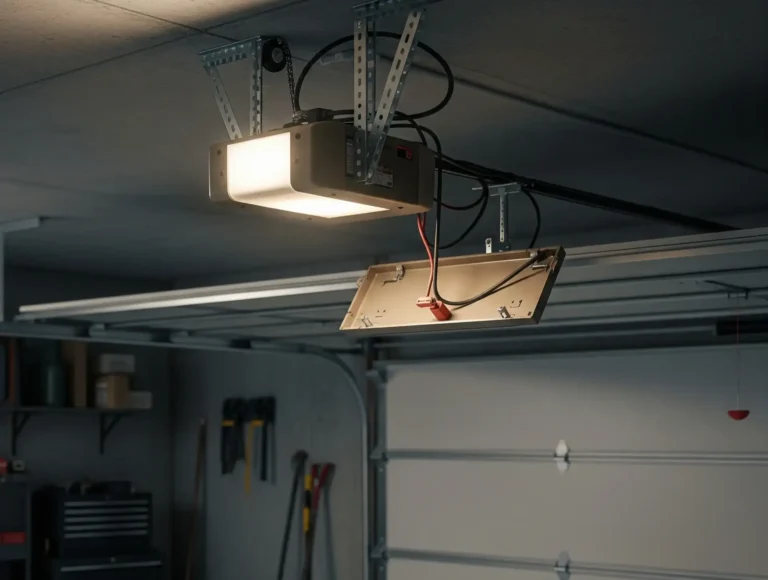
Go to the garage ceiling unit and locate the learn button, which is usually on the back or under a plastic light cover. It may be labeled Learn or Program, and you might need a ladder to reach it.
How much time do I have after pressing the learn button?
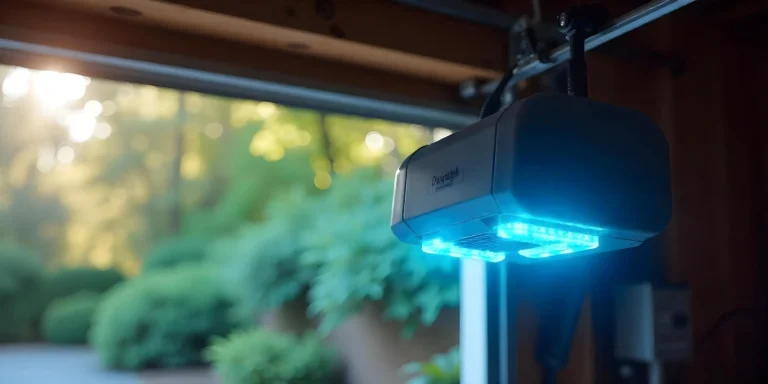
Once the learn button is pressed, you'll have about 30 seconds to complete the next step. A small light may blink on the opener unit to show it's in programming mode. Then return to your car and press and hold the button you want to sync for about 2 to 3 seconds before releasing.
How can I tell if the car and garage door paired successfully?
If the garage door light flashes or you hear a click, the pairing worked. You can then test it by pressing the in-car button to open or close the door. If nothing clicks into place after multiple attempts, your system may not be compatible with a remote-free setup.