When was the last time you updated your garage door code? If it’s been a while or if you’re just moving in, changing the passcode is a simple way to make your home more secure. 24H Garage Doors will explain to you how to change a code on a garage door opener quickly and safely.
How to Change a Code on a Garage Door Opener: Step-by-Step Guide
Published: Jul 23, 2025 | Updated: Jul 28, 2026
What You Need Before You Begin
Before you start, it’s important to know what type of garage door opener you have. Most systems fall into one of two categories:
Either way, your owner’s manual is worth keeping nearby during the process. If you don’t have it, don’t worry — most brands follow similar steps when it comes to how to change the passcode on garage door opener systems.
How to Change the Code on a Garage Door Opener with a Keypad
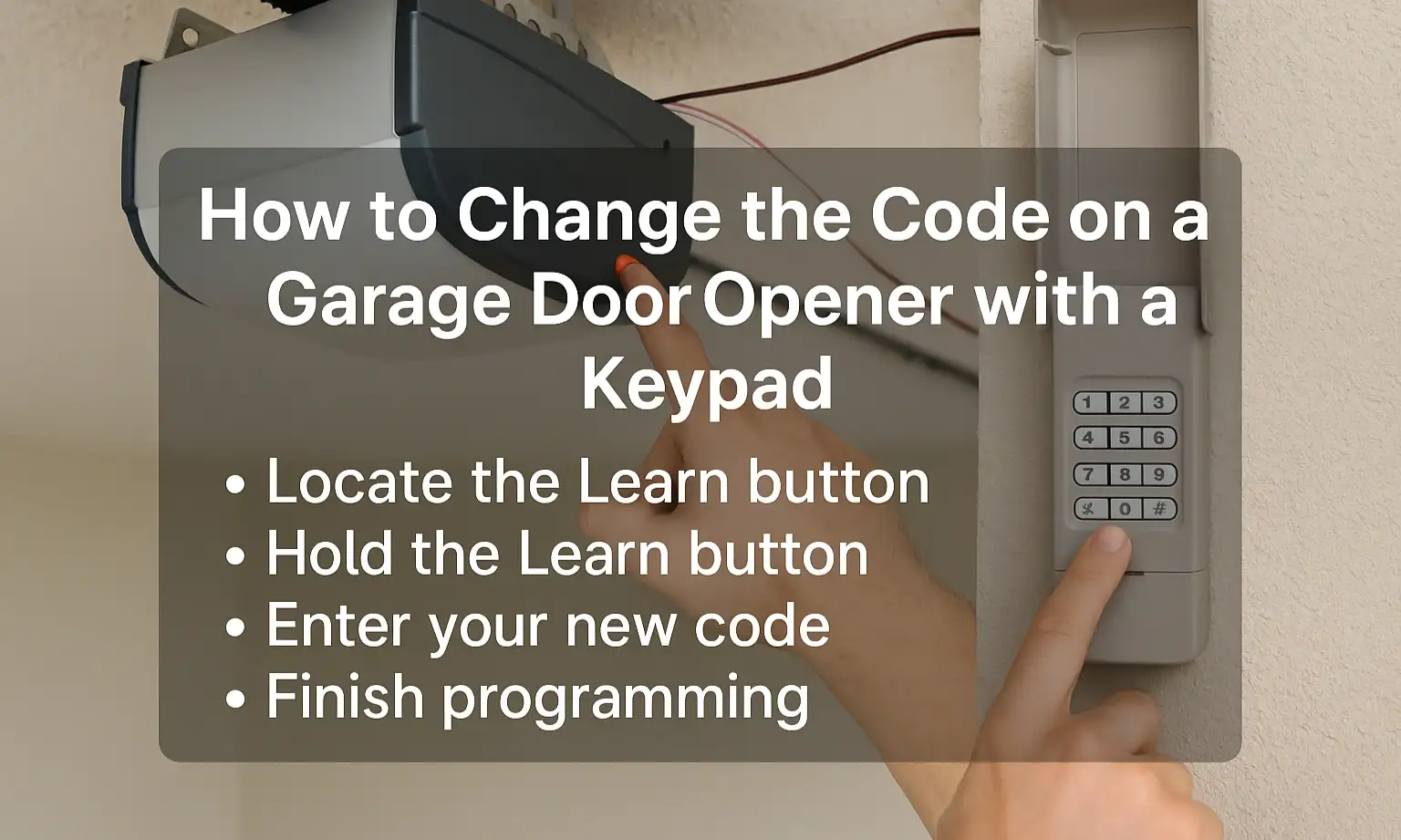
If you have a keypad-enabled opener, here’s how to change the garage door opener code:
That’s it — you’ve just completed how to change the passcode on garage door opener models with keypads.
How to Change the Garage Door Opener Code Without a Keypad
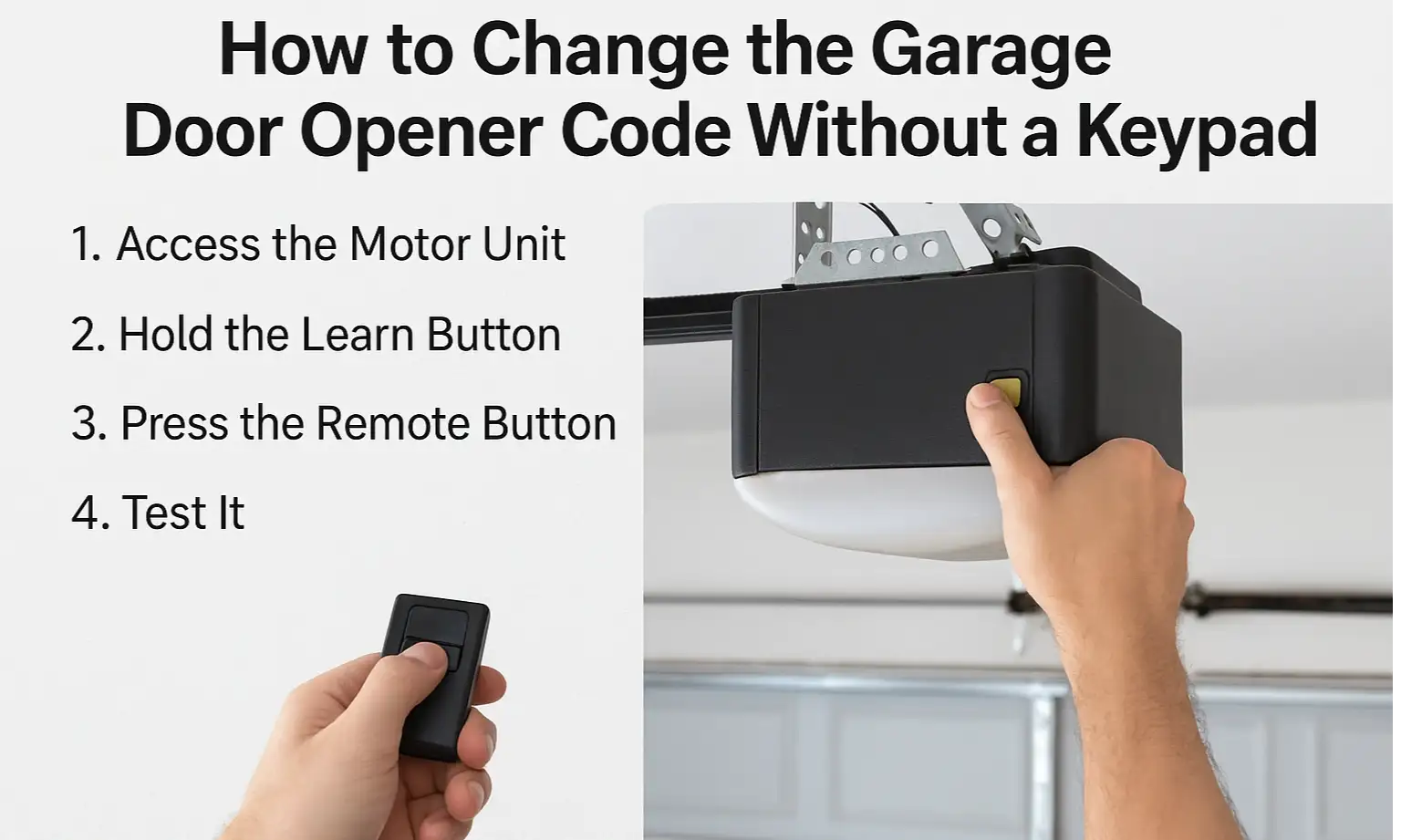
If your garage door opener doesn’t have a keypad, it probably uses a handheld remote instead. The steps to update the access code are a little different. Unlike keypad systems, you won’t need to enter a code manually. Instead, the remote and opener sync automatically with a new secure signal.
Here’s how to change the garage door opener code on remote-only systems:
Here’s how to change the garage door opener code on remote-only systems:
This method also works if you need to reprogram your garage door opener after a code reset.
Tips for Choosing a Safe Garage Door Code
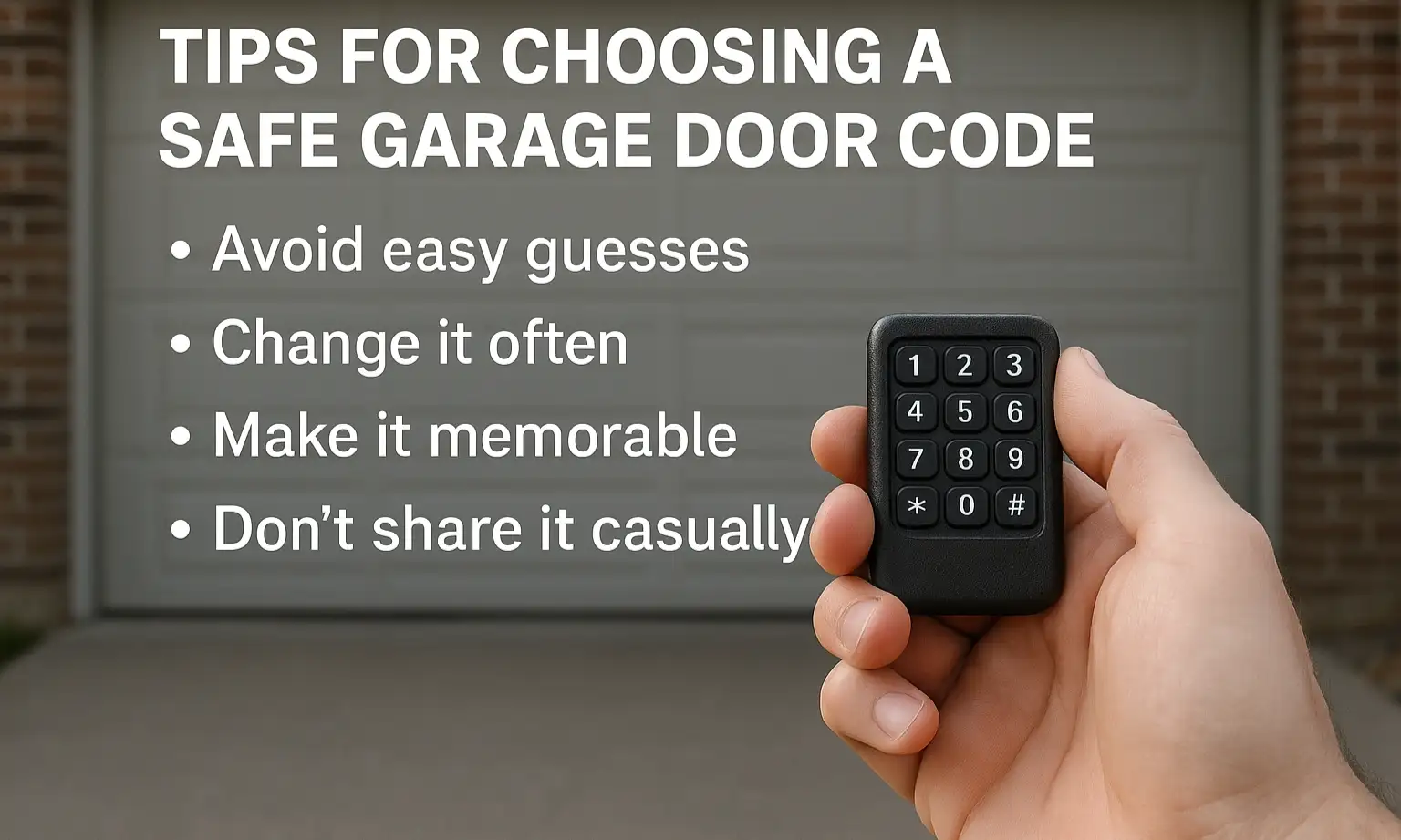
A smart code keeps your property safe and limits access to only the people you trust. If you’re searching “how to change the code on my garage door opener,” these quick tips will help you choose a stronger, more secure passcode:
Even small updates like these can go a long way toward protecting your garage and everything inside.
Conclusion
Now that you know how to change a code on a garage door opener, you can keep your garage secure and your family safer with just a few simple steps. Whether you’re using a keypad-enabled opener or a remote-only system, the process is quick and can usually be done without any special tools or technical help.
Of course, if things don’t go as planned — or your opener isn’t responding — it might be time to call in backup. 24H Garage Doors offers trusted garage door repair services throughout the area. We’re just one call away.
Of course, if things don’t go as planned — or your opener isn’t responding — it might be time to call in backup. 24H Garage Doors offers trusted garage door repair services throughout the area. We’re just one call away.
Frequently Asked Questions
What should I check before I start changing my garage door code?
First, know what type of garage door opener you have, since most systems are either keypad-enabled or remote-only. It's worth keeping your owner's manual nearby during the process, but if you don't have it, most brands follow similar steps.
How do I enter a new code on a keypad opener?
Locate the Learn button on the motor unit and press and hold it until the indicator light turns on, which may take a few seconds. Then go to the keypad and type in your new 4-digit code, and press the enter key to finish. You should see a blinking light or hear a click confirming that the code was saved.
Where do I find the Learn button on my opener?
The Learn button is on the opener's motor unit, which is usually mounted on the ceiling. You'll typically find it on the back, side, or under the light cover.
Can I still change the access code if my opener doesn't have a keypad?
Yes. Remote-only systems work a little differently because you won't enter a code manually. Instead, after you access the motor unit and locate the Learn button, the remote and opener sync automatically with a new secure signal.