When you’re setting up a new remote, fixing a keypad, or simply trying to understand your garage door system, one feature often comes up: the learn button. One of the most common questions we hear is, “Where is the learn button on a garage door opener?” At 24H Garage Doors, we’ll clearly explain everything you need to know — from what the learn button is to how to find it and why it matters.
Where Is the Learn Button on a Garage Door Opener: How to Find and Use It
Published: Oct 6, 2025 | Updated: Jul 28, 2026
What Is the Learn Button on a Garage Door Opener
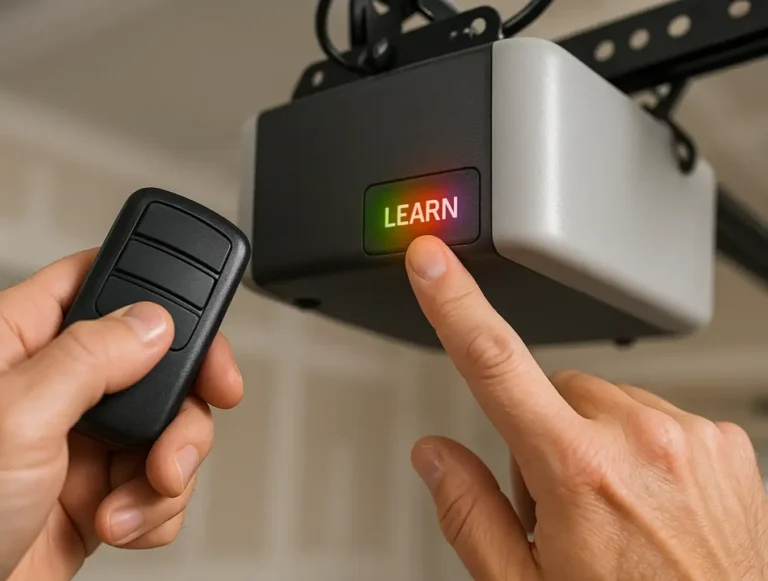
If you’ve ever added a new remote or keypad, you’ve likely used the learn button — even if you didn’t realize it. This small button is used to pair your garage door opener with compatible remote controls or keypads. Pressing it puts the opener into a pairing mode for about 30 seconds. It also enables a feature called rolling code technology, which changes the access code after each use to improve security and block signal duplication.
Where Is the Learn Button on a Garage Door Opener
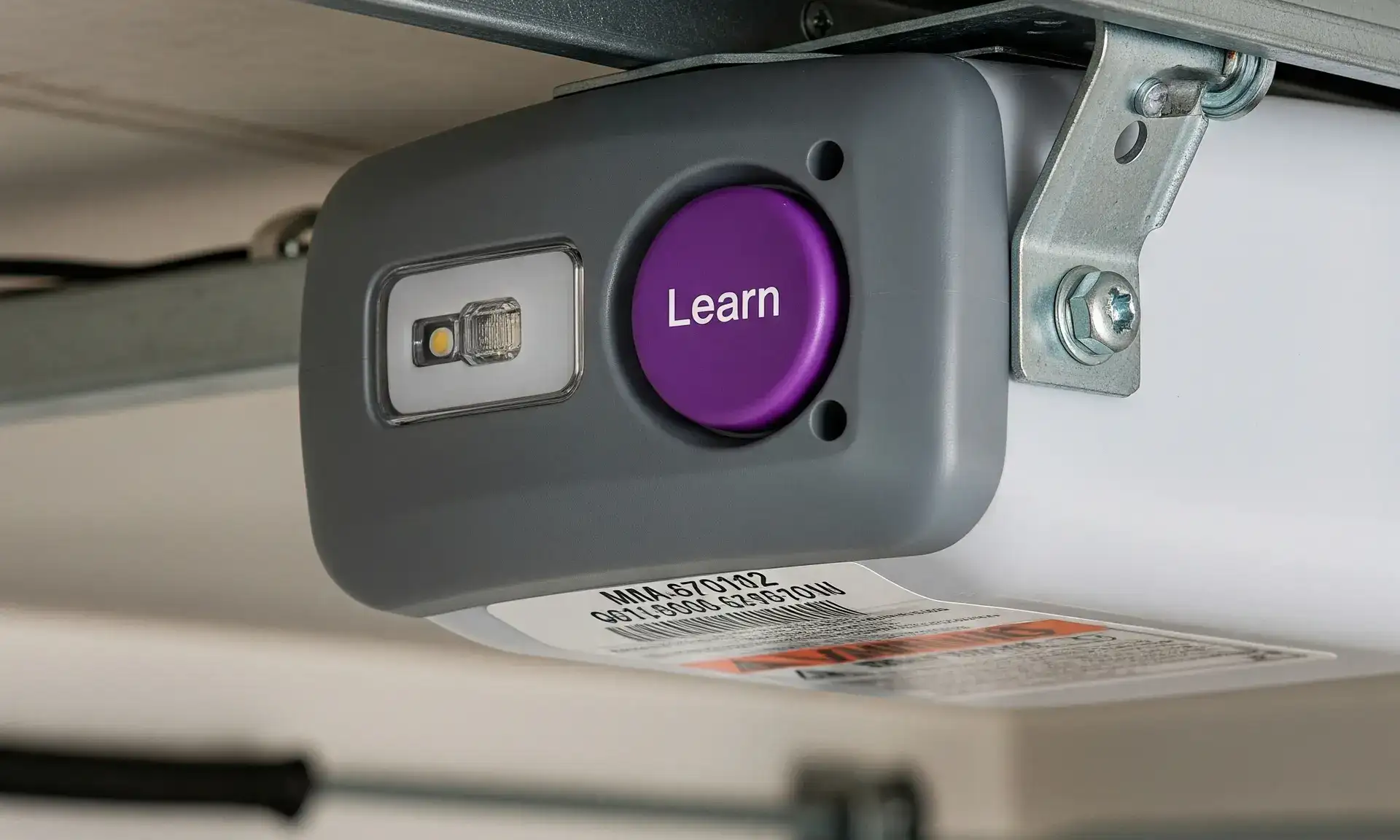
Not sure where to look for the learn button? The most common spot is by the antenna wire, either on the back or side of the opener and sometimes under the light cover. It’s usually labeled “Learn” or “PRG” and may be red, yellow, orange, or purple. The shape can also vary — some are round, others square.
In many models, the button’s color also indicates the remote’s frequency, which comes in handy if you’re buying a replacement or syncing new devices.
If you have an older opener, you might not see a learn button at all. These units often rely on DIP switches instead. If that’s the case, check out our article on what is a DIP switch garage door opener for guidance.
In many models, the button’s color also indicates the remote’s frequency, which comes in handy if you’re buying a replacement or syncing new devices.
If you have an older opener, you might not see a learn button at all. These units often rely on DIP switches instead. If that’s the case, check out our article on what is a DIP switch garage door opener for guidance.
Why You Might Use the Learn Button on a Garage Door Opener
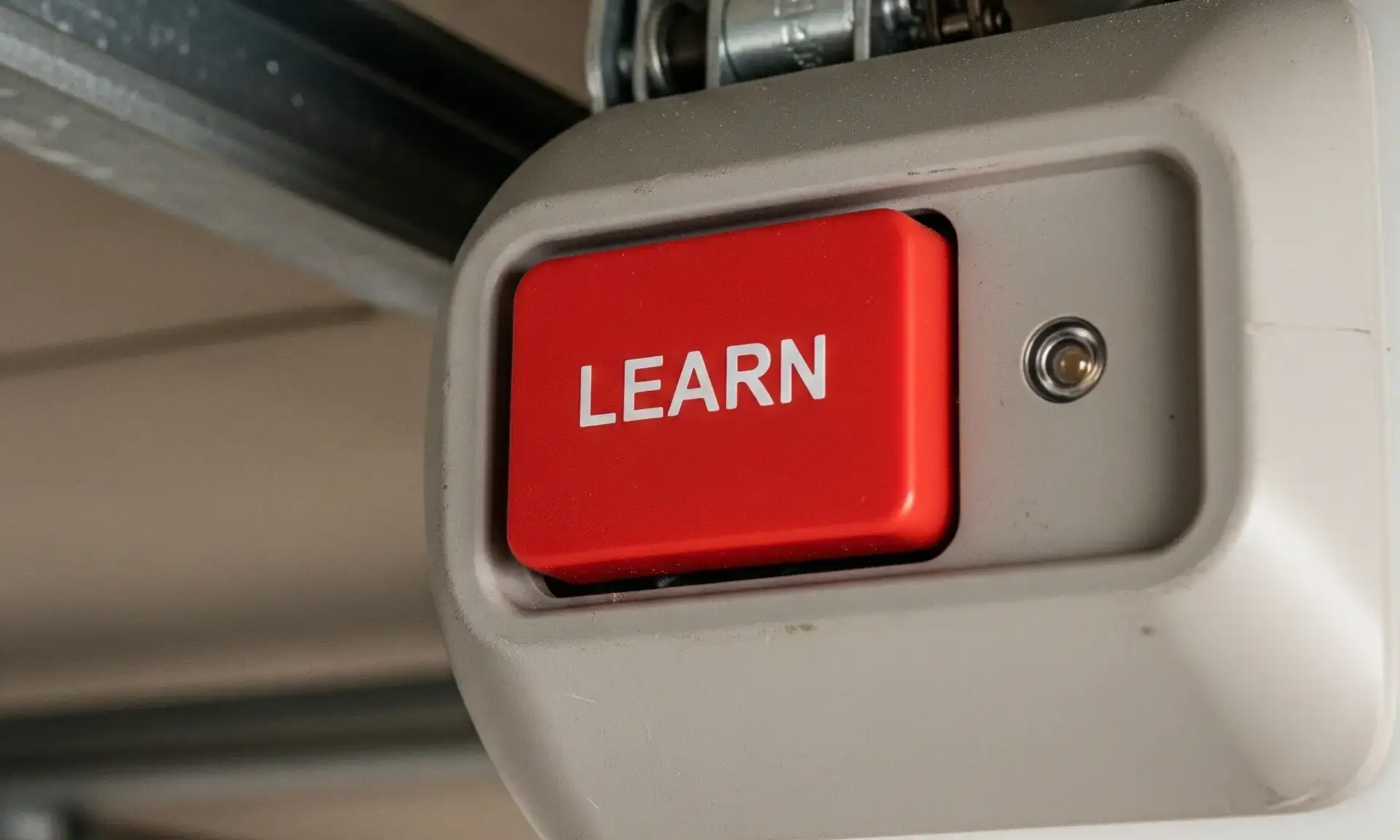
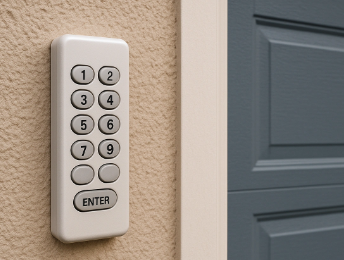
There are plenty of times when the question “Where is the learn button?” often comes up, and knowing the answer can make things quicker and easier. You may need it when you’re adding a new remote, installing a wireless keypad, resetting access after a lost or stolen remote, or providing temporary access for guests or maintenance professionals.
At 24H Garage Doors, our technicians regularly use the learn button during garage door opener repair appointments to reprogram devices and restore functionality.
How to Use the Learn Button on a Garage Door Opener
If the remote doesn’t connect, you might need to check how to reset the garage door opener before trying again.
Summing Up
The learn button isn’t something you think about every day, but it’s essential when setting up new devices or troubleshooting garage door issues. If you’ve ever asked, “Where is the learn button on a garage door opener?” — now you know, and you’re ready to put that knowledge to use.
Keep your remotes nearby during setup, make sure the button area is clean, and label your remotes or keypads once paired. If you run into any challenges, 24H Garage Doors is just a call away. Our experts are ready to help with friendly, dependable service and get your garage door working smoothly again.
Keep your remotes nearby during setup, make sure the button area is clean, and label your remotes or keypads once paired. If you run into any challenges, 24H Garage Doors is just a call away. Our experts are ready to help with friendly, dependable service and get your garage door working smoothly again.
Frequently Asked Questions About the Learn Button
What if the learn button doesn’t respond?
First, make sure the opener has power and the button area is clean. If it still doesn’t work, you might be using an incompatible remote — or the system may need professional attention.
How many remotes can I connect using the learn button?
Most openers allow you to connect up to five remote devices, but the exact number can vary by model. Check your owner’s manual to be sure.
Can I reprogram a garage door opener without the learn button?
Yes. Older models may rely on DIP switches instead. You’ll need to manually match the switch positions between the opener and the remote. Refer to your manual or consult a technician if you’re unsure.
What is the learn button on LiftMaster garage door openers?
It’s a small button on the motor unit that lets you program LiftMaster remotes and keypads. Pressing it puts the opener into pairing mode so it can connect with compatible devices securely.
Where is the learn button on LiftMaster garage door openers?
Check the back or side of the motor unit near the antenna wire. The button is usually yellow or purple and may be located under the light cover.
Where is the learn button on Chamberlain garage door openers?
You’ll usually find it near the antenna wire. It’s often labeled “Learn,” “Set,” or “Learn Code,” and may be orange or purple — either round or square, depending on the model.
First, make sure the opener has power and the button area is clean. If it still doesn’t work, you might be using an incompatible remote — or the system may need professional attention.
How many remotes can I connect using the learn button?
Most openers allow you to connect up to five remote devices, but the exact number can vary by model. Check your owner’s manual to be sure.
Can I reprogram a garage door opener without the learn button?
Yes. Older models may rely on DIP switches instead. You’ll need to manually match the switch positions between the opener and the remote. Refer to your manual or consult a technician if you’re unsure.
What is the learn button on LiftMaster garage door openers?
It’s a small button on the motor unit that lets you program LiftMaster remotes and keypads. Pressing it puts the opener into pairing mode so it can connect with compatible devices securely.
Where is the learn button on LiftMaster garage door openers?
Check the back or side of the motor unit near the antenna wire. The button is usually yellow or purple and may be located under the light cover.
Where is the learn button on Chamberlain garage door openers?
You’ll usually find it near the antenna wire. It’s often labeled “Learn,” “Set,” or “Learn Code,” and may be orange or purple — either round or square, depending on the model.
Frequently Asked Questions
What if the learn button doesn’t respond?
First, make sure the opener has power and the button area is clean. If it still doesn’t work, you might be using an incompatible remote — or the system may need professional attention.
How many remotes can I connect using the learn button?
Most openers allow you to connect up to five remote devices, but the exact number can vary by model. Check your owner’s manual to be sure.
Can I reprogram a garage door opener without the learn button?
Yes. Older models may rely on DIP switches instead. You’ll need to manually match the switch positions between the opener and the remote. Refer to your manual or consult a technician if you’re unsure.
What is the learn button on LiftMaster garage door openers?
It’s a small button on the motor unit that lets you program LiftMaster remotes and keypads. Pressing it puts the opener into pairing mode so it can connect with compatible devices securely.
Where is the learn button on LiftMaster garage door openers?
Check the back or side of the motor unit near the antenna wire. The button is usually yellow or purple and may be located under the light cover.
Where is the learn button on Chamberlain garage door openers?
You’ll usually find it near the antenna wire. It’s often labeled “Learn,” “Set,” or “Learn Code,” and may be orange or purple — either round or square, depending on the model.