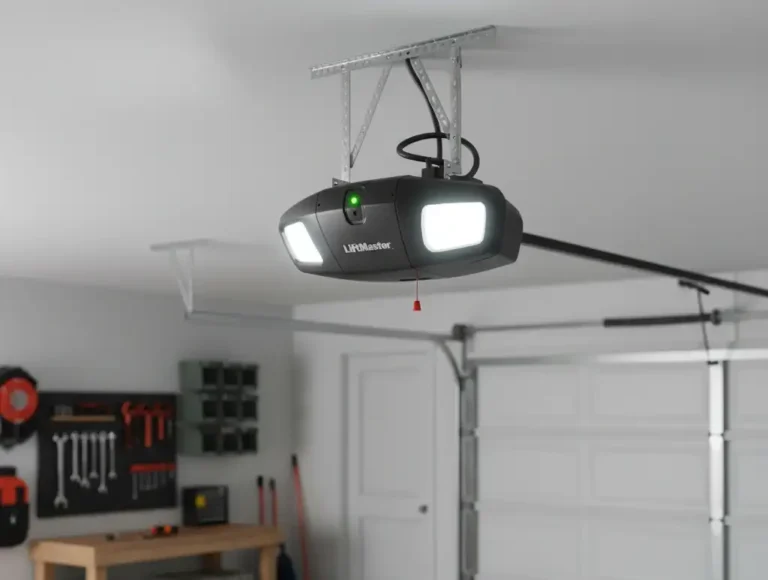
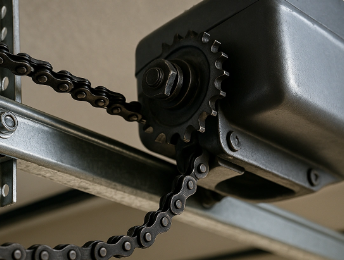
Deactivating your garage door opener isn’t something you do every day, but when you need to, it’s important to do it right. In this guide, 24H Garage Doors shows you how to deactivate a garage door opener and its remote properly, whether it’s for maintenance, security reasons, or a full system reset.
How to Deactivate a Garage Door Opener: Secure and Simple Methods
Published: Aug 20, 2025 | Updated: Jul 28, 2026
Common Reasons to Deactivate a Garage Door Opener
There are times when turning off your garage door opener is the safest and smartest option. Whether you’re making repairs, preparing a home for sale, or responding to a security concern involving unauthorized entry, deactivation helps reduce risk. It’s also smart if you’re changing tenants or closing a property for the season — times when access by others should be restricted.
How to Deactivate a Garage Door Opener: Step-by-Step Instructions
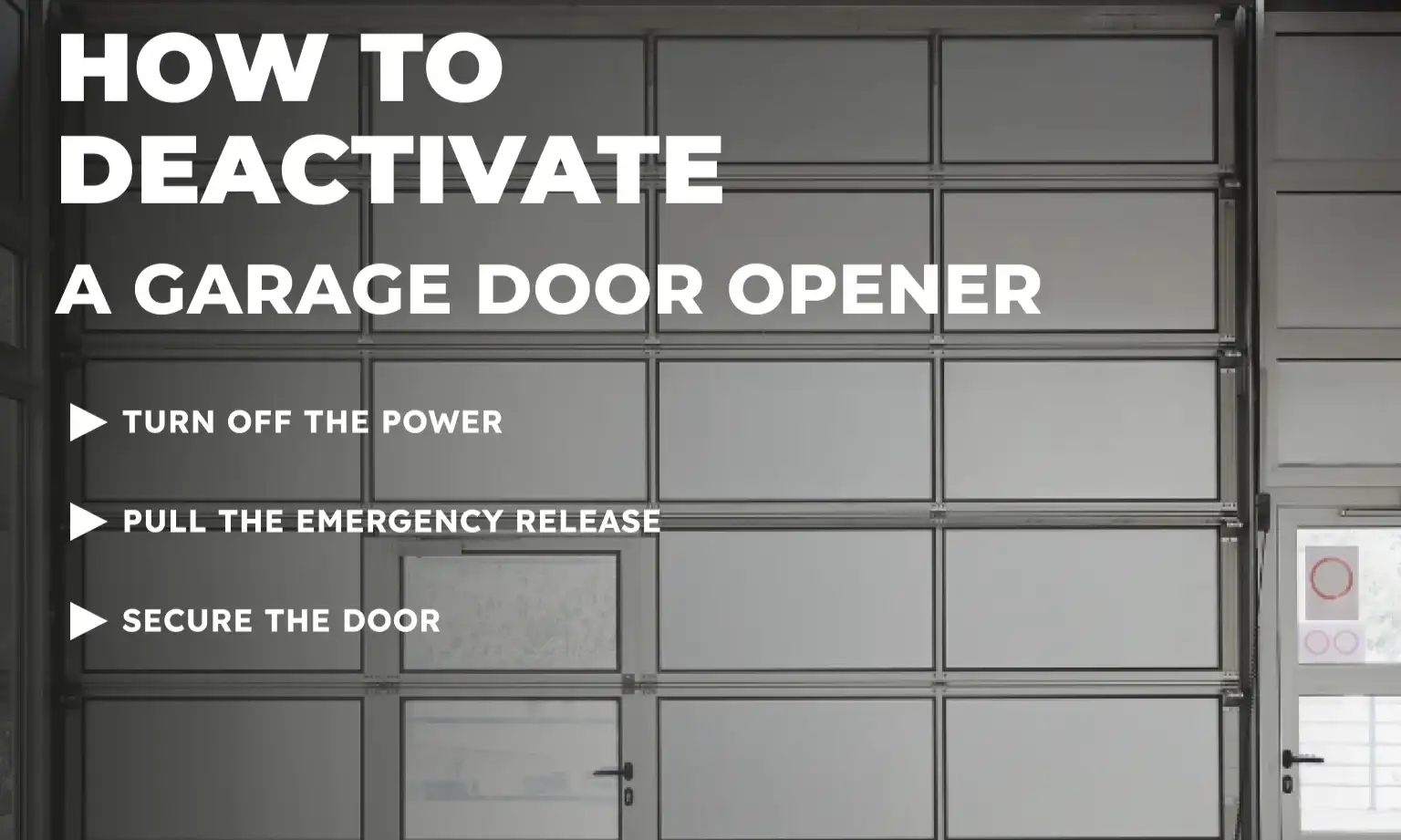
You won’t need any special tools or skills. Just follow these clear steps to safely deactivate your garage door opener:
How to Deactivate a Garage Door Remote
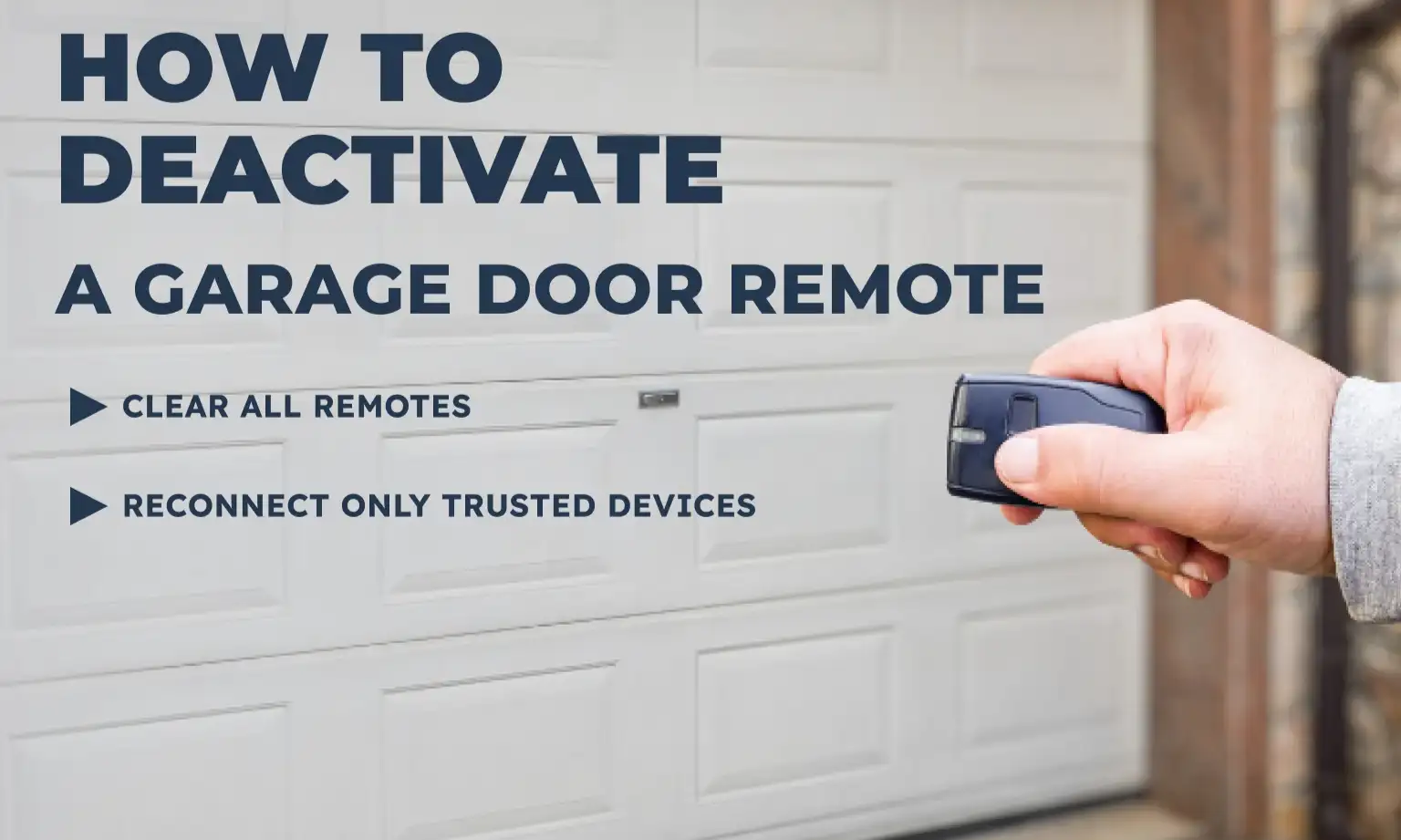
Once the door is secured, there’s one more step to consider — especially if a remote has been lost, stolen, or replaced. While your opener needs to be powered on for this part, it’s just as important to know how to deactivate a garage door remote as it is to turn off the system itself.
Most garage door openers don’t allow you to delete individual remotes. Instead, you’ll need to clear the entire memory and reprogram only the remotes you still use. Here’s how:
Most garage door openers don’t allow you to delete individual remotes. Instead, you’ll need to clear the entire memory and reprogram only the remotes you still use. Here’s how:
This process works much like resetting your garage door opener, though it’s focused specifically on remote access. For full system resets, including smart features and settings, check out our guide on how to reset the garage door opener.
Stay Safe While Deactivating Your Garage Door Opener
Deactivating your opener is a simple task, but safety must always be your top priority. Stay clear of the garage door while disengaging the system, and keep your hands and tools away from moving parts. To test the door’s balance, lift it halfway by hand — it should stay in place without drifting. IIf the door feels heavy, moves unexpectedly, or resists movement, it might be a sign you need a garage door opener repair. In that case, it’s best to call 24H Garage Doors for a professional safety check.
Conclusion
Whether you’re preparing for a move, upgrading security, or dealing with a lost remote, knowing how to deactivate a garage door opener gives you more control over who has access to your space.
If you’d rather have someone experienced take care of the process, 24H Garage Doors is here with quick, reliable service to keep your garage secure and running smoothly.
If you’d rather have someone experienced take care of the process, 24H Garage Doors is here with quick, reliable service to keep your garage secure and running smoothly.
Frequently Asked Questions
In what situations should I consider turning off my garage door opener?
Deactivating the opener is the safest option in several circumstances, such as when making repairs, preparing a home for sale, or responding to a security concern involving unauthorized entry. It's also smart if you're changing tenants or closing a property for the season, when access by others should be restricted. You won't need any special tools or skills to do it.
What are the steps to safely deactivate the opener itself?
Start by turning off the power, either by unplugging the opener or switching off the circuit breaker, to prevent accidental activation. Then locate the red cord hanging from the rail and pull it to disconnect the opener from the door. Finally, close the door manually and clamp the tracks using a C-clamp or locking pliers to keep it shut.
How do I disable a remote that has been lost or stolen?
The opener needs to be powered on for this step. Since most openers don't allow you to delete individual remotes, you'll need to press and hold the "Learn" or "Program" button on the motor unit for about six seconds, or until the indicator light turns off, which removes all previously paired remotes and keypads. After clearing the memory, reprogram only the remotes and keypads you plan to keep to help prevent unauthorized access.
How can I check that the door is balanced after disconnecting it?
Safety should always be your top priority, so stay clear of the door while disengaging the system and keep your hands and tools away from moving parts. To test the door's balance, lift it halfway by hand, and it should stay in place. This confirms the door is holding properly once it has been disconnected from the opener.