If your garage door isn’t working the way it used to (maybe the remote isn’t responding or the keypad is out of sync), a quick reset might be all it needs. If you’re wondering how to reset my garage door opener, this guide from 24H Garage Doors breaks it down in simple, clear steps — whether you’re resetting the remote, keypad, or the whole unit.
How to Reset a Garage Door Opener: A Simple Step-by-Step Guide
Published: Jul 9, 2025 | Updated: Jul 28, 2026
When and Why You Might Need to Reset a Garage Door Opener
There are several situations where resetting your opener makes sense — and not all of them involve a complete failure. You might need to reset the system if:
In many cases, you won’t need to reset everything. For example, if you’re only adding a new remote, reprogramming may be enough (here’s how to program a garage door remote).
However, if you’re trying to remove all previous connections — or fix a system that’s just stuck — a full reset may be the better move. Before getting started, make sure you have access to the motor unit, which is where most reset actions begin.
However, if you’re trying to remove all previous connections — or fix a system that’s just stuck — a full reset may be the better move. Before getting started, make sure you have access to the motor unit, which is where most reset actions begin.
How to Reset a Garage Door Opener Remote and Wall Keypad
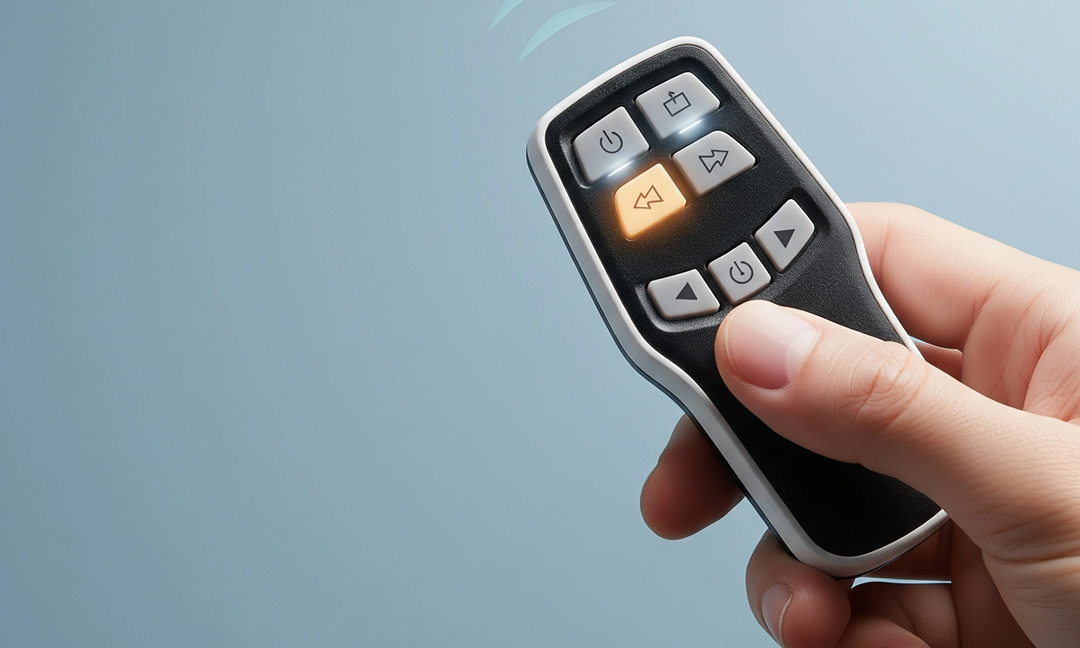
If your garage door remote or keypad isn’t responding, resetting them might help re-establish communication with the opener. The following steps show how to reset a garage door opener remote or keypad on many common openers:
How to Clear Garage Door Opener Memory and Codes
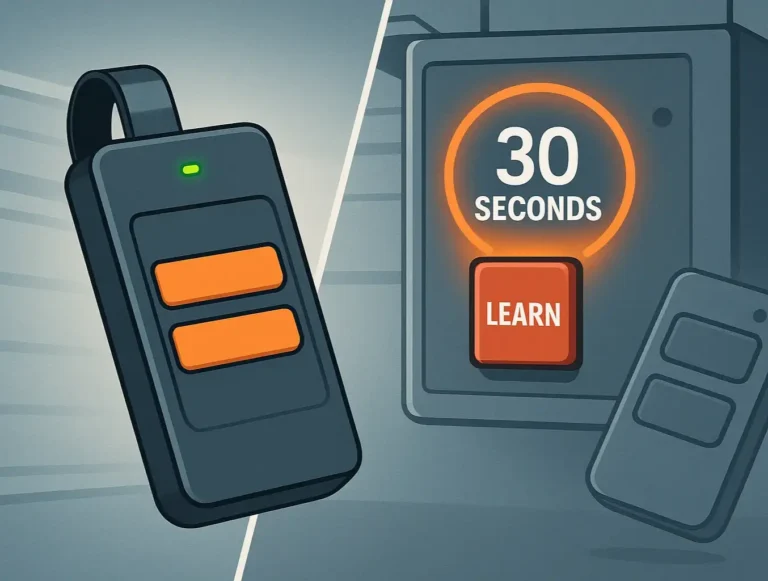
Sometimes you don’t just want a reset — you want a fresh start. That’s when clearing the system’s memory comes in. Whether it’s for security reasons or troubleshooting, here’s how to clear a garage door opener memory:
After this, the opener won’t respond to any device until it’s reprogrammed. Need help adding devices back? This guide on how to reprogram a garage door opener walks you through each step.
Clearing memory is especially useful when moving into a new property or after a service technician visit. It helps you start with a clean slate.
Clearing memory is especially useful when moving into a new property or after a service technician visit. It helps you start with a clean slate.
How to Reset Overhead Garage Door Opener (And What to Do If It Fails)
Resetting an overhead garage door opener is a bit different, depending on the brand or setup, but most of them follow similar reset steps:
If nothing changes after these steps, the issue might not be with the settings. Common signs that you need more than a reset include:
In these cases, hardware problems could be involved — such as wiring, motor gear damage, or a faulty logic board. If troubleshooting doesn’t fix the problem, it may be time to explore repair or even replacement options with a technician. 24H Garage Doors can inspect your opener and help you decide what to do next.
Wrapping Up
Knowing how to reset a garage door opener can make everyday maintenance easier — and often saves the cost of a service visit. Still, if you’ve gone through all the steps and your opener isn’t responding, 24H Garage Doors is ready to support. We offer diagnostics, repairs, and full garage door opener installation when it’s time to upgrade. Reach out anytime — we’re here to get your system back on track, reliably and affordably.
FAQs: Resetting Popular Garage Door Openers
How to reset a Linear garage door opener?
Find the Learn button on the opener’s motor unit (usually black or red). Hold it until the LED light turns off to clear memory. Press it again, then press your remote’s main button to reprogram. Wait for the light to flash or a click to confirm the connection.
How to reset a Chamberlain garage door opener?
Unplug the opener briefly, then press and hold the Learn button (often yellow or purple) until the LED turns off. This erases all remotes and keypads. Press Learn again and sync each device individually by pressing its button or code.
How to reset a LiftMaster garage door opener?
LiftMaster uses a Learn button as well (typically red-orange, yellow, or green depending on the model). Hold it down until the light goes out to reset all devices. Press it again, then press your remote button or enter your keypad PIN. You’ll see a blink or hear a click if it worked.
How to reset a Genie garage door opener?
Look for the Program or Learn button (often blue or black) on the motor unit. Hold it until the LED turns off or stops blinking — this wipes all saved connections. Press the button again, then your remote’s button to reconnect. You may also need to recheck travel limits afterward.
Garage door opener stolen — how to reset?
If your remote was stolen, press and hold the Learn button (color varies by brand) for 6–10 seconds until the LED goes out. This erases all linked remotes and keypads. After that, reprogram only the remotes you still have. For extra security, update keypad codes and consider a professional inspection.
Find the Learn button on the opener’s motor unit (usually black or red). Hold it until the LED light turns off to clear memory. Press it again, then press your remote’s main button to reprogram. Wait for the light to flash or a click to confirm the connection.
How to reset a Chamberlain garage door opener?
Unplug the opener briefly, then press and hold the Learn button (often yellow or purple) until the LED turns off. This erases all remotes and keypads. Press Learn again and sync each device individually by pressing its button or code.
How to reset a LiftMaster garage door opener?
LiftMaster uses a Learn button as well (typically red-orange, yellow, or green depending on the model). Hold it down until the light goes out to reset all devices. Press it again, then press your remote button or enter your keypad PIN. You’ll see a blink or hear a click if it worked.
How to reset a Genie garage door opener?
Look for the Program or Learn button (often blue or black) on the motor unit. Hold it until the LED turns off or stops blinking — this wipes all saved connections. Press the button again, then your remote’s button to reconnect. You may also need to recheck travel limits afterward.
Garage door opener stolen — how to reset?
If your remote was stolen, press and hold the Learn button (color varies by brand) for 6–10 seconds until the LED goes out. This erases all linked remotes and keypads. After that, reprogram only the remotes you still have. For extra security, update keypad codes and consider a professional inspection.
Frequently Asked Questions
When does it actually make sense to reset my garage door opener?
Resetting makes sense in situations like moving into a new home and wanting to clear old remotes, losing a remote or giving one to someone who no longer needs access, or when the keypad or wall button stops working as expected. It's also useful if your opener is glitching or acting unpredictably. Not every situation requires a full reset, though; if you're only adding a new remote, reprogramming may be enough.
How do I reset an unresponsive remote or wall keypad?
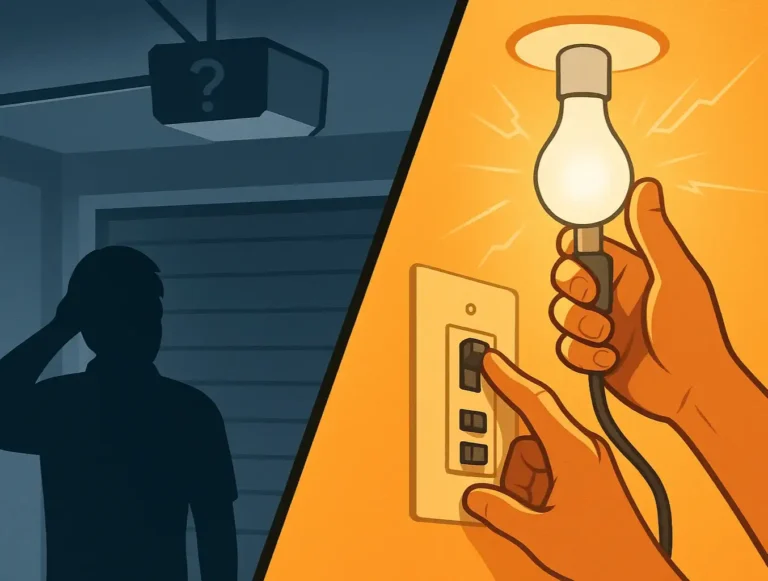
Start by unplugging the opener for about 30 seconds and then plugging it back in to reset the system's power cycle. Next, press and hold the "Learn" button, usually near the antenna or light cover on the opener motor, until the LED turns off, which erases all paired devices. Then press and release the learn button again and press your remote button or enter your keypad code, waiting for the click or flashing light to confirm the new pairing.
How can I completely clear all the codes and paired devices from the opener?
Locate the learn button on the opener's motor unit and hold it down for about 6 to 10 seconds until the LED turns off. This action deletes all paired remotes, keypads, and accessories, and afterward the opener won't respond to any device until it's reprogrammed. Clearing the memory is especially useful when moving into a new property or after a service technician visit so you can start with a clean slate.
Where do I begin the reset process on the opener?
Before getting started, make sure you have access to the motor unit, which is where most reset actions begin. Resets can target the remote, the keypad, or the whole unit depending on what you need. If you're trying to remove all previous connections or fix a system that's just stuck, a full reset may be the better move.