Trying to figure out how to reset a keypad garage door opener? Maybe your keypad’s not working, or you just can’t remember the code. Whatever the reason, this quick guide will show you how to fix it and get back to your day. We’ll walk you through simple steps on how to reset the garage door code.
How to Reset a Keypad Garage Door Opener: A Step-by-Step Guide
Published: Jun 27, 2025 | Updated: Jul 28, 2026
How to Reset Garage Door Keypad in 4 Simple Steps
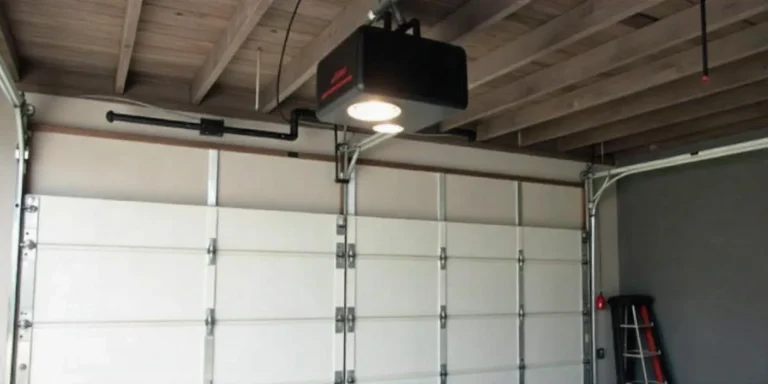
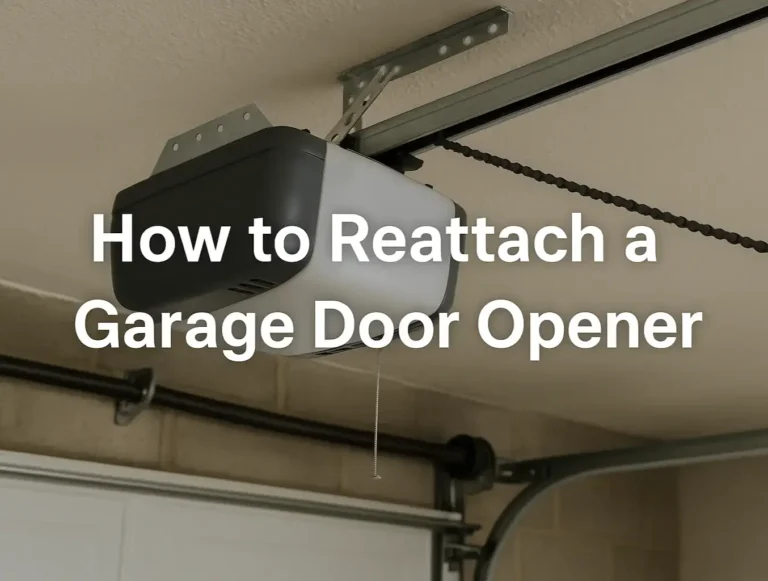
Before you start, make sure you can safely access your garage door opener. It’s usually mounted on the ceiling near the center of your garage. Most openers are out of arm’s reach, so you may need a sturdy ladder.
If possible, ask someone to stay nearby while you work. Whether it’s a friend, neighbor, or family member, having someone to hold the ladder or simply spot you can make the job safer and much easier. Once you’re ready, it’s time to begin.
If possible, ask someone to stay nearby while you work. Whether it’s a friend, neighbor, or family member, having someone to hold the ladder or simply spot you can make the job safer and much easier. Once you’re ready, it’s time to begin.
Step 1. Locate the Learn Button
Look for the Learn button on the back or side of your garage door opener motor. It’s usually near the antenna wire and may be hidden under a light cover.
Step 2. Press and Hold the Learn Button
Press and hold the Learn button for 6 to 10 seconds until the indicator light turns off. This clears the old access code from the opener’s memory.
Step 3. Reprogram the Keypad
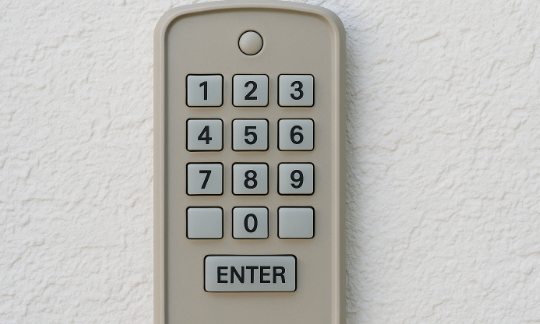
Now, it’s time to reprogram your garage door keypad. Within 30 seconds of clearing the old code, press the Learn button again, just once this time. Then, quickly go to the keypad and enter your new 4-digit code. Press the “Enter” key. The light on the opener will blink to confirm your new code has been saved.
Step 4. Test Your New Code
Test your new code by entering it as you would during regular use. If the door opens and closes as expected, you’re good to go.
If you’re looking for how to reset clicker garage door keypad devices, these steps will work. Clicker keypads use the same Learn-button method found in most standard garage door openers.
Summing Up
That’s it! You’ve successfully learned how to reset the garage door code and secure your garage — all in a few simple steps. Don’t forget to use a strong combination for your new code and test your keypad regularly to catch issues early.
Need more than just a reset? The team at 24H Garage Doors has you covered. Whether it’s keypad reprogramming, full system upgrades, or an emergency repair, we’re ready to help. Contact us to learn more about our garage door opener installation services or book a visit today.
Need more than just a reset? The team at 24H Garage Doors has you covered. Whether it’s keypad reprogramming, full system upgrades, or an emergency repair, we’re ready to help. Contact us to learn more about our garage door opener installation services or book a visit today.
Frequently Asked Questions
Where do I find the Learn button to reset my keypad?
Look for the Learn button on the back or side of your garage door opener motor. It's usually near the antenna wire and may be hidden under a light cover. Since the opener is typically mounted on the ceiling near the center of the garage and out of arm's reach, you may need a sturdy ladder to access it.
How long should I hold the Learn button to clear the old code?
Press and hold the Learn button for 6 to 10 seconds until the indicator light turns off. This clears the old access code from the opener's memory so you can set a new one.
How do I set a new code after clearing the old one?
Within 30 seconds of clearing the old code, press the Learn button again just once. Then quickly go to the keypad, enter your new 4-digit code, and press the Enter key. The light on the opener will blink to confirm your new code has been saved.
Do these steps work for a clicker-style keypad too?
Yes. Clicker keypads use the same Learn-button method found in most standard garage door openers, so these steps will work. After resetting, it's a good idea to use a strong combination and test your keypad regularly to catch issues early.