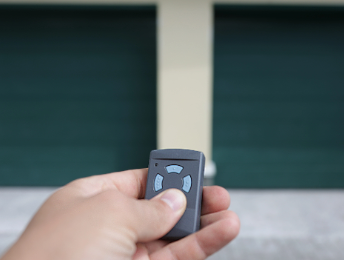
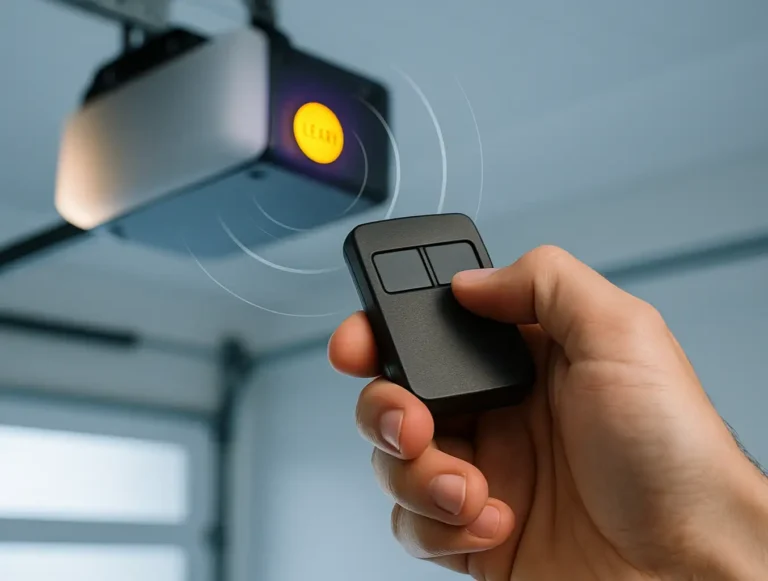
You hit the button on your remote like always, and nothing happens. Maybe you try again — still nothing. The garage door won’t open with the remote. So why does it happen? And more importantly, how can you fix it?
Let’s find the most common reasons your garage door opener does not work with the remote and what you can do to get things working again.
Garage Door Opener Does Not Work with Remote: Troubleshooting and Solutions
Published: Jul 8, 2025 | Updated: Jul 28, 2026
Check the Basics First
If your garage door opener does not work with the remote, start with the most common issue — a dead battery. Try replacing it first. It’s a small fix, but one that catches many people off guard.
If that doesn’t work, test the wall switch. If the garage door responds with the wall control but not the remote, the issue likely lies with the remote or its signal.
If that doesn’t work, test the wall switch. If the garage door responds with the wall control but not the remote, the issue likely lies with the remote or its signal.
Is the Remote Signal Blocked or Interrupted?
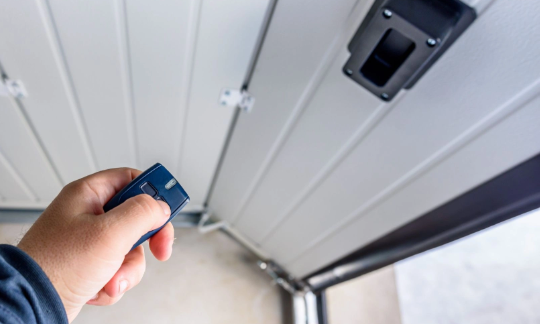
In some cases, your garage door opener does not work with remote commands because of what’s happening around it — not because of the remote itself. Things around your garage can sometimes block the signal. Metal shelving, overhead LED lighting, or nearby electronics can block or distort the signal between your remote and the opener. Even strong Wi-Fi networks can interfere without you realizing it.
Try moving closer to the door or aiming the remote straight at the opener. If your remote only works from short distances, it could indicate that the opener’s antenna is misaligned or partially damaged. In that case, a quick garage door opener repair might be all you need to get it working reliably again.
Try moving closer to the door or aiming the remote straight at the opener. If your remote only works from short distances, it could indicate that the opener’s antenna is misaligned or partially damaged. In that case, a quick garage door opener repair might be all you need to get it working reliably again.
Remote Needs Reprogramming
If your garage door does not respond to remote commands at all, the remote might’ve lost its programming. This sometimes happens after a power outage or a sudden electrical surge.
Most remotes are easy to reset. You can follow our simple guide on how to program a garage door remote to get things working again. It usually takes just a few minutes.
Most remotes are easy to reset. You can follow our simple guide on how to program a garage door remote to get things working again. It usually takes just a few minutes.
Safety Lock Feature May Be On
Some garage door openers have a feature called “vacation mode” or a security lock that shuts off remote access. It’s useful when you’re away, but frustrating if it kicks in while you’re home and just trying to get inside.
Inspect your wall-mounted control panel. If the lock indicator light is on, press and hold the button to turn it off. Then try the remote again. If your garage door does not respond to remote commands after that, it might be worth checking for other issues.
Inspect your wall-mounted control panel. If the lock indicator light is on, press and hold the button to turn it off. Then try the remote again. If your garage door does not respond to remote commands after that, it might be worth checking for other issues.
Check the Garage Door Opener Unit
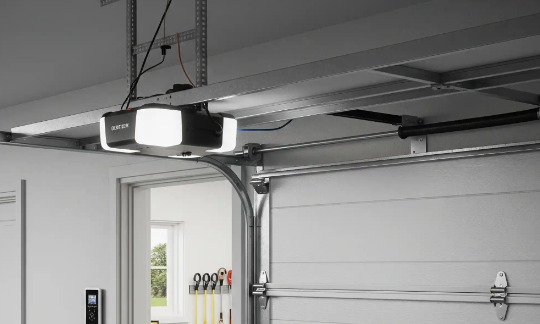
If your garage door remote control does not work, the problem might be with the opener itself, not the remote.
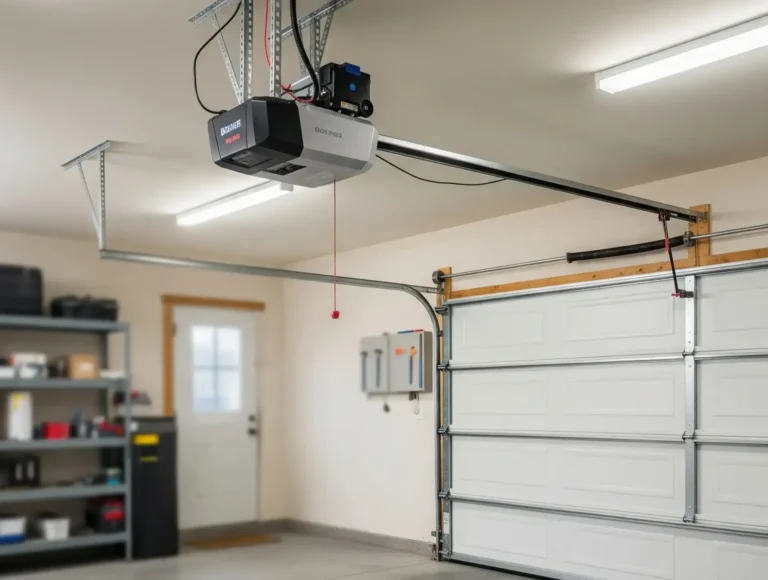
Step into the garage and take a look at the opener. Is the power light off? That could mean the unit isn’t receiving electricity. If there’s a blinking light, it might be trying to alert you to an error. Also, don’t forget the antenna wire — it should be hanging freely. If it’s bent, missing, or tucked away, the signal might not be getting through.
These quick visual checks can often point you in the right direction. As a final step, try resetting the opener: unplug it for about 30 seconds, plug it back in, and give the remote another try.
Step into the garage and take a look at the opener. Is the power light off? That could mean the unit isn’t receiving electricity. If there’s a blinking light, it might be trying to alert you to an error. Also, don’t forget the antenna wire — it should be hanging freely. If it’s bent, missing, or tucked away, the signal might not be getting through.
These quick visual checks can often point you in the right direction. As a final step, try resetting the opener: unplug it for about 30 seconds, plug it back in, and give the remote another try.
Garage Door Opener May Need Replacement
If your remote still isn’t working after trying the basics, there’s a chance your opener may be nearing the end of its lifespan. Over time, worn parts, aging components, or electrical issues can cause the receiver to stop working reliably. When that happens, it might make more sense to go with professional garage door opener installation rather than continuing to keep repairing aging equipment. In many cases, a quick garage door opener repair could help, but if problems keep coming back, a full replacement is often the smarter, long-term fix.
Summing Up
Remote problems can be frustrating, but they usually have a simple fix. If your garage door remote control does not work, the cause is often something minor.
Maybe it’s a battery. Maybe your opener needs a reset. Or maybe, after years of use, it’s time for a new one. At 24H Garage Doors, we offer fast, dependable garage door opener installation, and we’re available 24/7 if all you need is a quick repair. Reach out anytime. We’ll help you find the right fix.
Maybe it’s a battery. Maybe your opener needs a reset. Or maybe, after years of use, it’s time for a new one. At 24H Garage Doors, we offer fast, dependable garage door opener installation, and we’re available 24/7 if all you need is a quick repair. Reach out anytime. We’ll help you find the right fix.
Frequently Asked Questions
What's the first thing to check when my remote suddenly stops opening the door?
Start with the most common issue, which is a dead battery in the remote, and try replacing it first since this small fix catches many people off guard. If that doesn't help, test the wall switch. If the door responds to the wall control but not the remote, the problem likely lies with the remote or its signal.
Could something in my garage be blocking the remote's signal?
Yes, sometimes the opener doesn't respond because of what's happening around it rather than the remote itself. Metal shelving, overhead LED lighting, nearby electronics, and even strong Wi-Fi networks can block or distort the signal. Try moving closer to the door or aiming the remote straight at the opener, and if it only works from short distances the antenna may be misaligned or damaged.
Why would my remote stop working after a power outage?
A power outage or a sudden electrical surge can cause the remote to lose its programming, so it may no longer respond to commands at all. Most remotes are easy to reset by reprogramming them, which usually takes just a few minutes. Following a guide on how to program a garage door remote can get things working again.
What visual checks should I do on the opener unit itself?
Step into the garage and look at the opener: if the power light is off, the unit may not be receiving electricity, and a blinking light might indicate an error. Also check the antenna wire, which should hang freely, because a bent, missing, or tucked-away antenna can block the signal. As a final step, try unplugging the opener for about 30 seconds, plugging it back in, and testing the remote again.