Programming a Linear garage door remote is a simple task when you know the right steps. Whether you’re syncing a new vehicle, replacing a lost remote, or setting up a fresh garage system, knowing how to program a Linear garage door remote can make daily access much easier. This guide walks you through the full process — remote setup, opener programming, and final pairing — in a way that’s clear, direct, and easy to follow.
How to Program Linear Garage Door Remote: Quick Setup for Smooth Operation
Published: Jun 20, 2025 | Updated: Jul 28, 2026
5 Steps: How to Program Linear Garage Door Remote Without the Guesswork
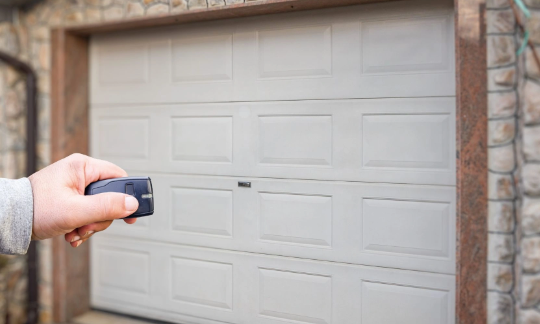
Before starting, make sure your remote has a fresh battery and hasn’t been previously programmed. Some remotes need to be cleared before syncing. If you’re new to remote programming or working with a different brand, check out our guide on how to program a garage door remote for a general overview of remote setup across multiple systems.
Here’s how to set the Linear remote:
Here’s how to set the Linear remote:
Keep the remote handy — you’ll use it in the next part when connecting it to the opener.
How to Program a Linear Garage Door Opener When Remote Setup Isn’t Enough
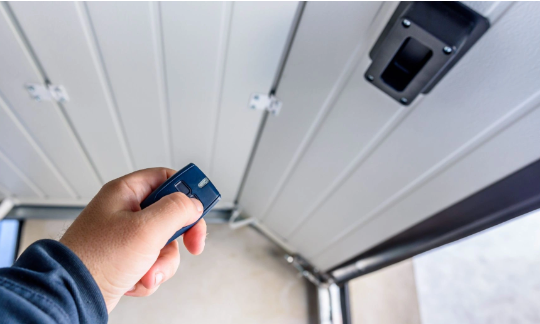
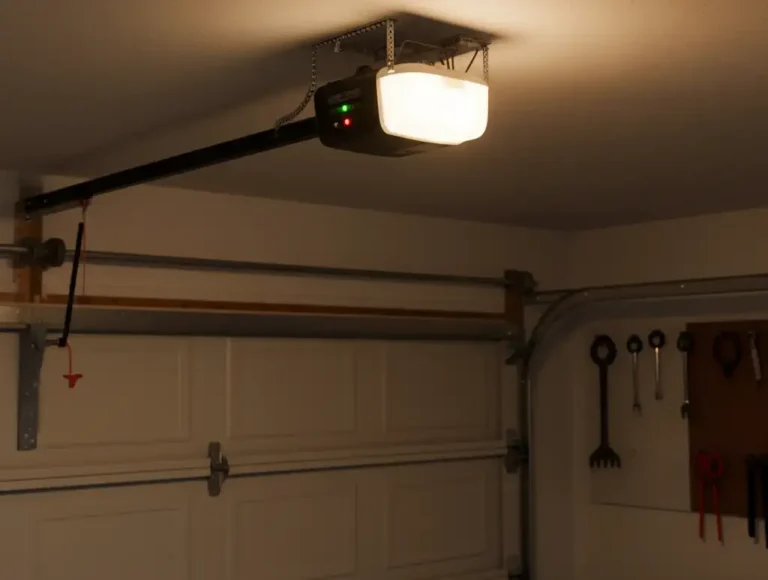
Sometimes, remote setup alone isn’t enough. To complete the process, you may also need to program the garage door opener unit itself.
To program the opener:
To program the opener:
Some models need an extra second press to complete the sync. If your opener isn’t responding, older stored codes might be interfering. Give a few seconds between each step, stay within range of the opener, and repeat the process if needed — timing is key. If the steps still aren’t working, you might be dealing with hardware issues. A quick service visit can save time and make sure everything’s properly synced.
Final Step: How to Pair Linear Garage Door Opener and Remote Together
Once you’ve programmed both the remote and the opener, pairing them completes the process.
To pair successfully:
To pair successfully:
If there’s no response, recheck both devices — the opener may have timed out of pairing mode. Restarting both steps usually fixes the issue. Some setups are more sensitive to timing. Try to work through the steps without long pauses, and stay close to the opener throughout — or have a technician take a look if nothing clicks.
Wrapping Up
Most Linear remotes can be paired in just a few steps, but not every system responds the same way. If programming doesn’t work or your equipment is out of date, a replacement or upgrade might be the easiest way forward. 24H Garage Doors works with all major opener types and offers on-site service that fits your schedule — whether you’re setting up something new or fixing an existing issue. Contact us to book your garage door opener installation or learn more about our other services. We’re ready when you are.
Frequently Asked Questions
What should I check on my Linear remote before I start programming it?
Make sure the remote has a fresh battery and hasn't been previously programmed. Some remotes need to be cleared before they can be synced. Getting these basics right first helps the pairing process go smoothly.
Where is the programming button located on a Linear remote?
Start by sliding off the back panel to reveal the battery compartment and any internal buttons; some models place the programming button under a small protective tab. The button is usually labeled "Program" or "Learn" and may be inside the battery compartment or on the front of the remote, depending on the model.
How do I know when the remote has entered pairing mode?
Press and hold the programming button for about 5 to 7 seconds, and the LED light should begin to blink slowly. After a few seconds the blinking should speed up or change color, which means the remote is now in pairing mode. Release the button once the LED changes, and the remote will stay in programming mode for a short window so you can complete the next step.
Why isn't my Linear opener responding when I try to sync the remote?
If the opener isn't responding, older stored codes might be interfering with the process. Some models also need an extra second press to complete the sync. Give a few seconds between each step, stay within range of the opener, and repeat the process if needed since timing is key; if it still won't work, a service visit can help rule out hardware issues.