Your home is a place where you feel safe and secure. As one of the main entry points, your garage door is a fundamental part of that security. Updating your garage door code is a simple but important step to keep your home safe. Whether you just moved in or had a security issue, knowing how to change your garage door code means only trusted people have access.
Let’s explore why updating your code matters and how you can do it with a clear and easy-to-follow guide.
How to Change Your Garage Door Code for Improved Security
Published: Apr 10, 2025 | Updated: Jul 28, 2026
Common Reasons to Change Your Code
Updating your garage door code isn’t something you need to do daily, but there are certain scenarios where it’s necessary:
Changing your opener’s settings is an effective way to minimize risks and secure your home.
Step-by-Step Guide: How to Change Your Garage Door Opener Code
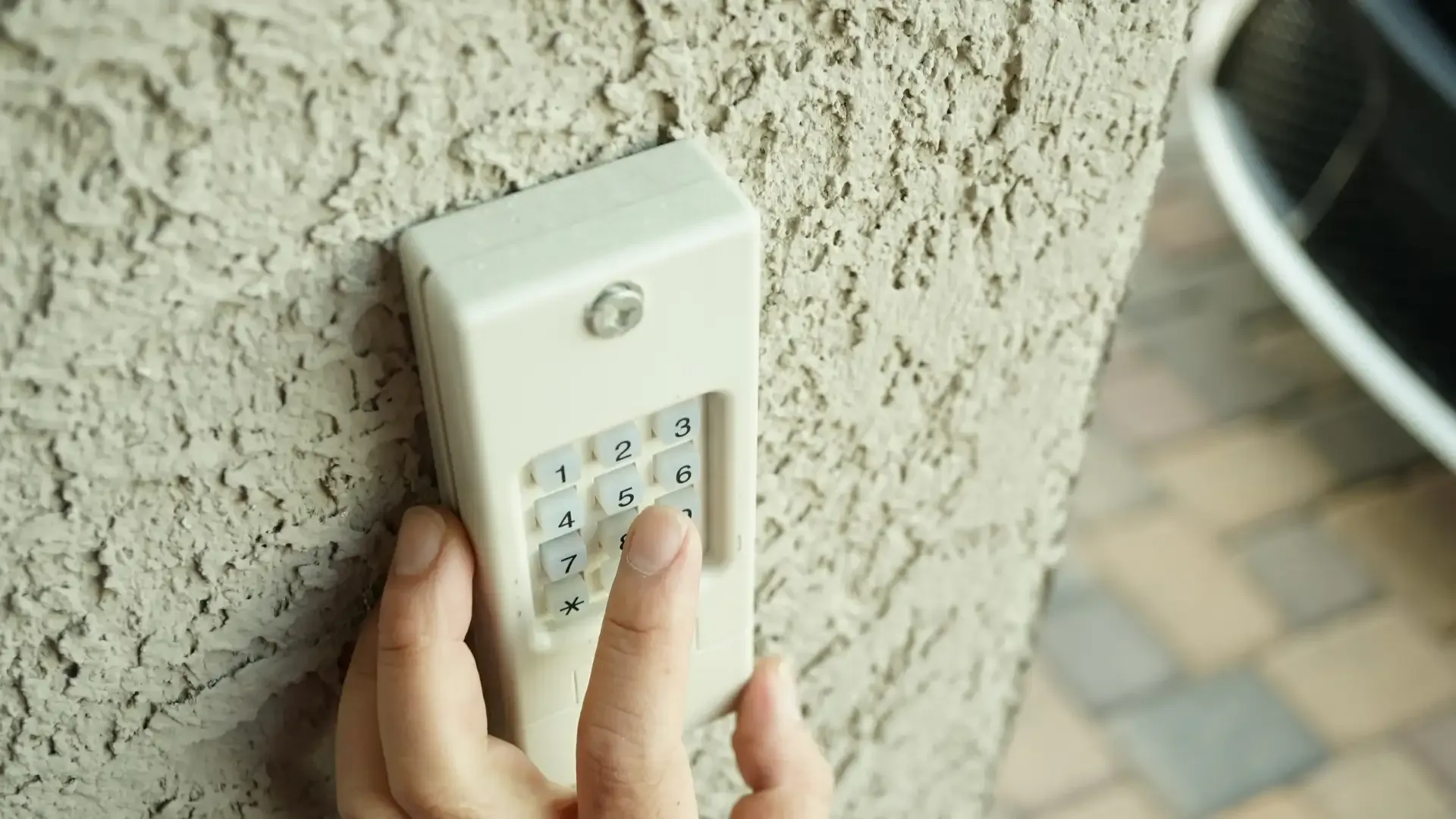
Changing your garage door opener code might seem tricky, but it is easier than you think. Whether you’re increasing security or updating your system, these steps will have you done in no time.
Follow these steps to change your garage door code successfully.
Fix Common Issues
Changing the code on a garage door opener doesn’t always go as smoothly as planned. Here are a few common problems and how to fix them:
If none of these fix’s work, contacting a garage door company for professional service is best.
Safety Tips When Changing Your Garage Door Code
When updating your garage door code, a few simple precautions can go a long way in keeping your home secure and your system running smoothly.
These tips might seem simple, but they are vital for maintaining your garage’s security.
Summing Up
Changing your garage door code is essential to improve your home’s security. Regular maintenance, proper installation, and code updates give you peace of mind. If you run into problems or are unsure during the process, call 24H Garage Doors. We’re here to assist with everything from troubleshooting to keypad installation or replacing your garage door opener.
Frequently Asked Questions
When should I actually change my garage door code?
You don't need to change it daily, but certain situations call for it. Update your code when you move into a new home, since previous owners, renters, or people in their trusted circle may still have the old one. It's also wise after a security issue, such as sharing the code with multiple people, suspecting unauthorized users know it, or losing a remote, and when you install a new opener or add a keypad.
Where do I find the button to reprogram my opener?
Most garage door openers have a control panel or "learn button" located on the back or side of the motor unit. If you're unsure where it is, check your owner's manual. This is the starting point for putting your system into programming mode.
What are the steps to set a new code on my opener?
First, locate the control panel or learn button and press and hold it until the indicator light begins to blink, which puts the system in programming mode. Then enter a unique code that's easy to remember but hard to guess, and press the enter or confirm button; when the light stops blinking and turns solid, the new code is saved. Finally, test the new code using your keypad or remote.
How do I know my new code was saved correctly?
After entering the code and pressing the enter or confirm button, watch the indicator light. When the light stops blinking and turns solid, it signals that the new code has been saved. You should then test it using your keypad or remote, and if it doesn't work, review the instructions again.