Tired of juggling remotes or stepping out of the car every time you get home? Whether you’re a new homeowner, just got a new vehicle, or replaced your remote, you might be wondering how to program a garage door opener to a car. The good news — it usually takes only a few minutes. This guide walks you through a simple, step-by-step way to sync most garage door openers to your car’s system.
How to Program a Garage Door Opener to a Car: A Simple Guide for Homeowners and Drivers
Published: Aug 7, 2025 | Updated: Jul 28, 2026
Step-by-Step: How to Sync a Garage Door Opener to a Car
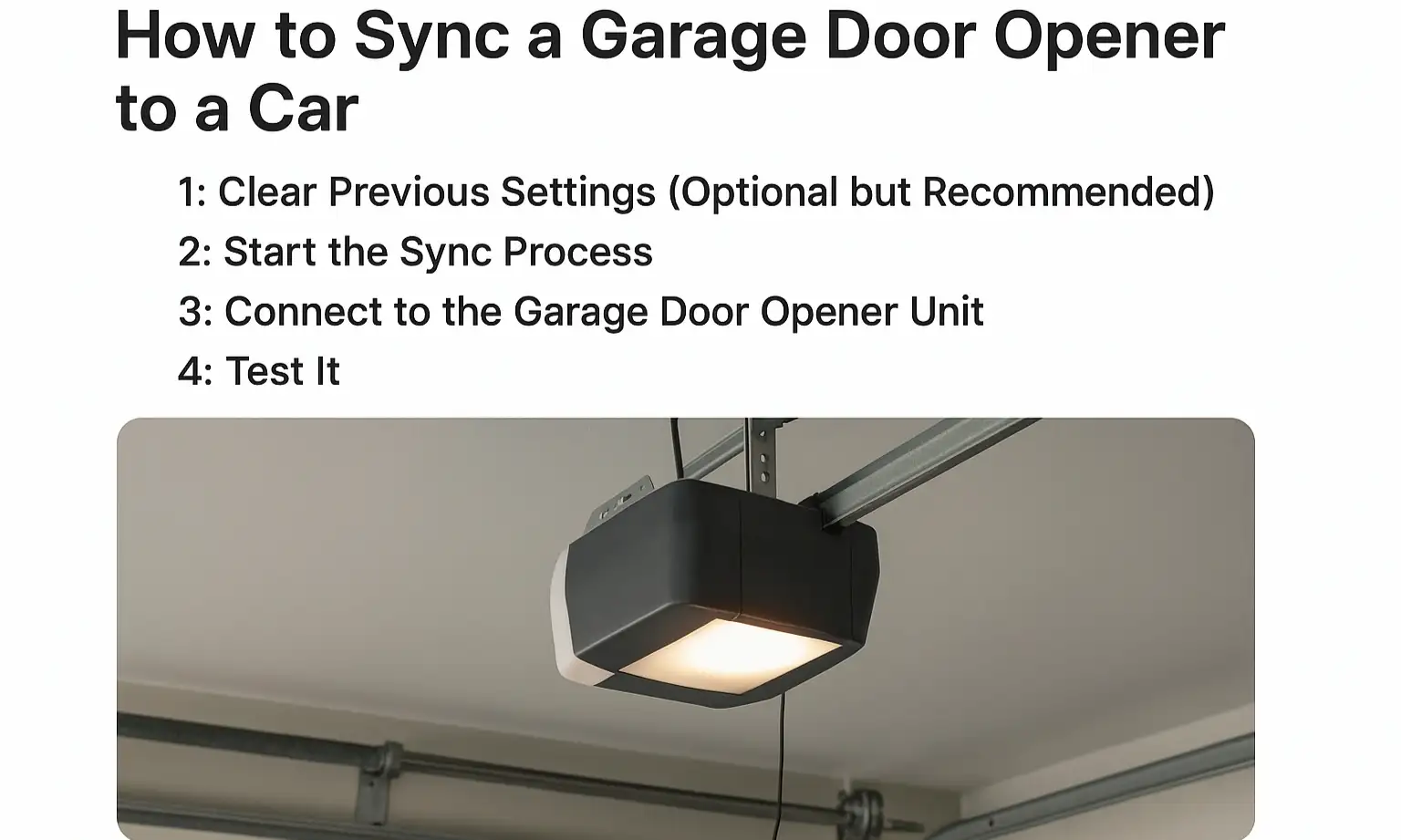
Most modern vehicles include built-in features that let you control your garage door without a separate remote. If your system supports it, syncing your car takes just a few quick steps. Here’s how to program a garage door opener to your car:
Step 1: Clear Previous Settings (Optional but Recommended)
Inside the vehicle, press and hold the two outer buttons on the built-in system until the indicator light starts flashing rapidly. This clears old codes. It usually takes about 10–20 seconds.
Step 2: Start the Sync Process
Hold your garage remote 1–3 inches from the in-car buttons. Press and hold both the remote button and the button you want to program. Keep holding until the indicator blinks quickly — this may take up to 30 seconds.
Step 3: Connect to the Garage Door Opener Unit
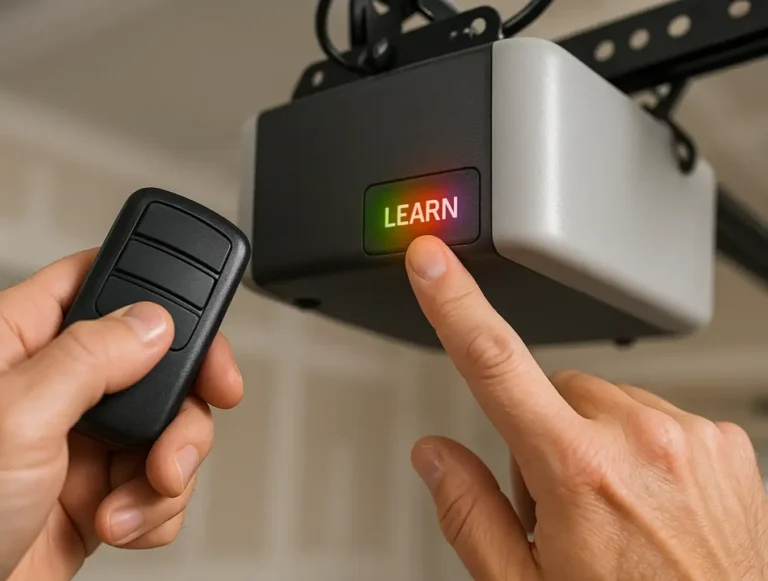
On the garage motor (usually mounted to the ceiling), press the “learn” button — typically near an LED light or under a cover. Within 30 seconds, return to your car and press the programmed button for about 2 seconds, then release. Repeat once more if needed.
Step 4: Test It
Press the in-car button to make sure the garage door opens or closes. If it works — you’re all set!
This method covers most cars and openers. Still stuck? You might be dealing with interference, signal issues, or an outdated remote. Check out our guide on how to fix garage door opener remote signal issues.
When It Doesn’t Work: What to Check First
If syncing doesn’t go as planned, try these quick checks:
These small adjustments often solve the problem.
FAQs: Programming Garage Door Openers to Your Car
How to connect a garage door opener to a car?
First, clear old codes, then sync your in-car button with the remote, and finish by pressing the learn button on your opener. Each car and opener combo might have slight variations.
How to program a car to a garage door?
The process usually involves your car’s built-in system, the remote, and the garage motor’s learn button. It takes about 5–10 minutes.
How to program a garage door opener to a car with a remote?
Place the remote near the dashboard, hold both the remote and car button until the light blinks fast, then press the learn button on the garage motor and finish the sync.
How to pair a car with a garage door opener?
Pairing is just another way of saying syncing or programming. Follow the standard steps — remote, car button, learn button — and you’re good to go.
First, clear old codes, then sync your in-car button with the remote, and finish by pressing the learn button on your opener. Each car and opener combo might have slight variations.
How to program a car to a garage door?
The process usually involves your car’s built-in system, the remote, and the garage motor’s learn button. It takes about 5–10 minutes.
How to program a garage door opener to a car with a remote?
Place the remote near the dashboard, hold both the remote and car button until the light blinks fast, then press the learn button on the garage motor and finish the sync.
How to pair a car with a garage door opener?
Pairing is just another way of saying syncing or programming. Follow the standard steps — remote, car button, learn button — and you’re good to go.
Wrapping Up
Now that you know how to program a garage door to a car, you’ll be able to skip the extra remotes and drive in with ease.
Still, if your current opener is outdated or not responding at all, it might be time for a replacement. We offer expert garage door opener installation that includes setup and vehicle syncing, done right the first time.
Need help or not sure which opener works with your car? The 24H Garage Door Services team is here to make it simple. We’re just one call away.
Still, if your current opener is outdated or not responding at all, it might be time for a replacement. We offer expert garage door opener installation that includes setup and vehicle syncing, done right the first time.
Need help or not sure which opener works with your car? The 24H Garage Door Services team is here to make it simple. We’re just one call away.
Frequently Asked Questions
How long does it usually take to sync a garage door opener to my car?
For most modern vehicles with built-in features, syncing takes only a few quick steps and about 5 to 10 minutes. If your system supports it, you can control your garage door without a separate remote.
Should I clear the old codes before programming my car?
Clearing previous settings is optional but recommended. Inside the vehicle, press and hold the two outer buttons on the built-in system until the indicator light starts flashing rapidly, which usually takes about 10 to 20 seconds. This clears old codes before you begin the sync.
What is the learn button and how do I use it during programming?
The learn button is on the garage motor, usually mounted to the ceiling near an LED light or under a cover. After holding your remote near the in-car buttons and programming them, you press the learn button and then, within 30 seconds, return to your car and press the programmed button for about 2 seconds before releasing. You can repeat this once more if needed.
What should I check if the syncing does not work the first time?
If syncing does not go as planned, double-check your car's manual for specific instructions and make sure the remote has fresh batteries. Confirm you are pressing the learn button correctly, since some stay active only for a few seconds, and repeat the sync steps carefully while keeping the remote close during programming. You may also be dealing with interference, signal issues, or an outdated remote.