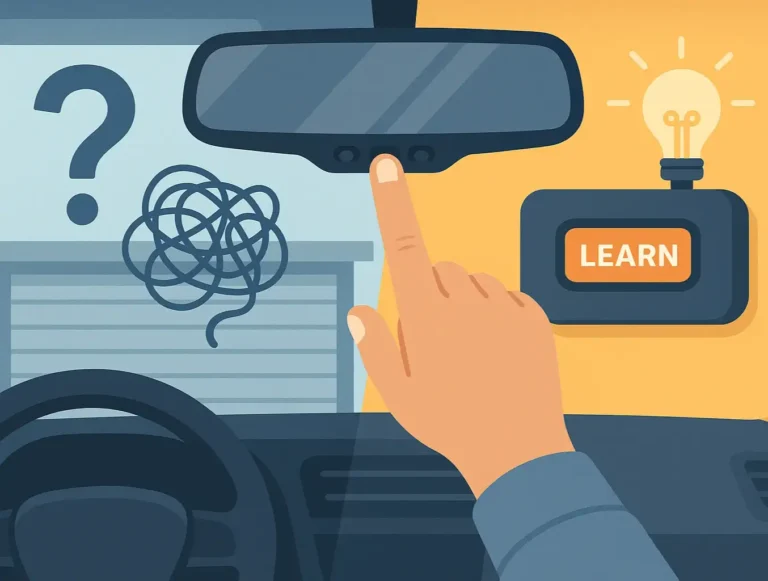
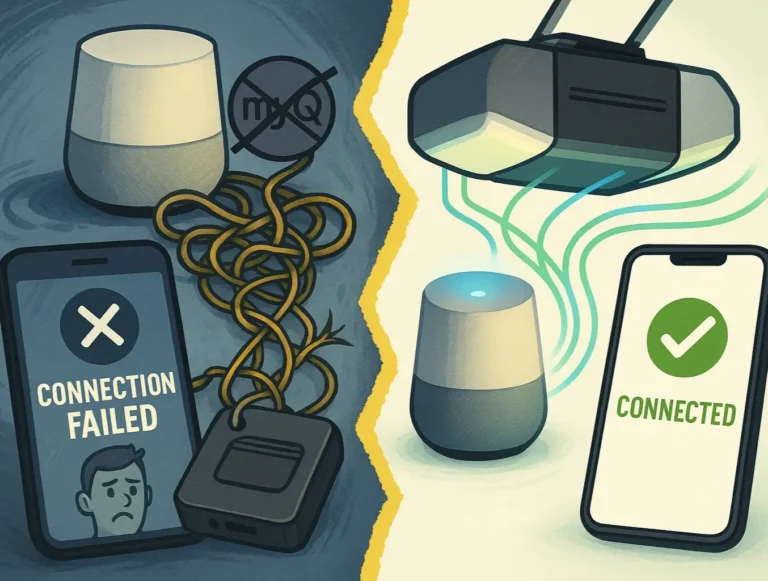
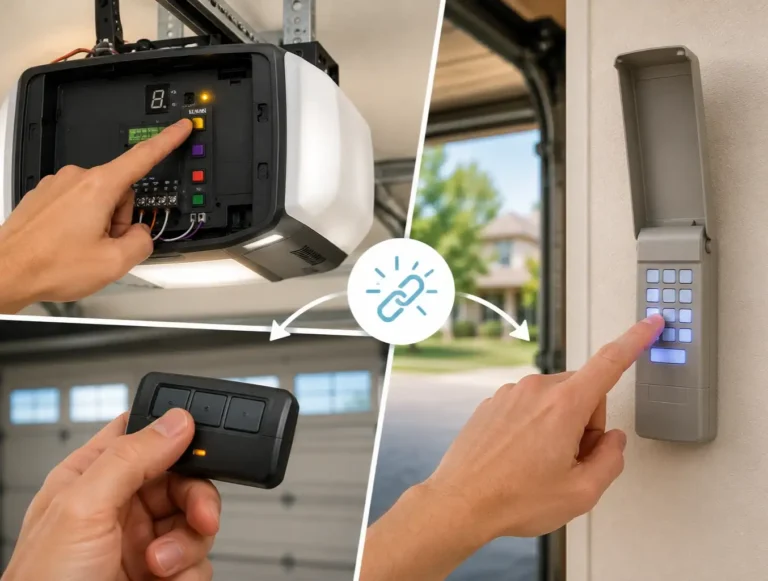
Managing more than one garage door doesn’t have to mean juggling multiple remotes or keypads. Whether you’ve got attached and detached garages or a shared driveway setup, learning how to program multiple garage door openers can simplify your daily routine. This guide from 24H Garage Doors makes it easy for homeowners, property managers, or real estate professionals to sync their systems confidently.
How to Program Multiple Garage Door Openers: One Remote, Many Doors
Published: Jul 15, 2025 | Updated: Jul 28, 2026
When One Opener Isn’t Enough: What to Know First
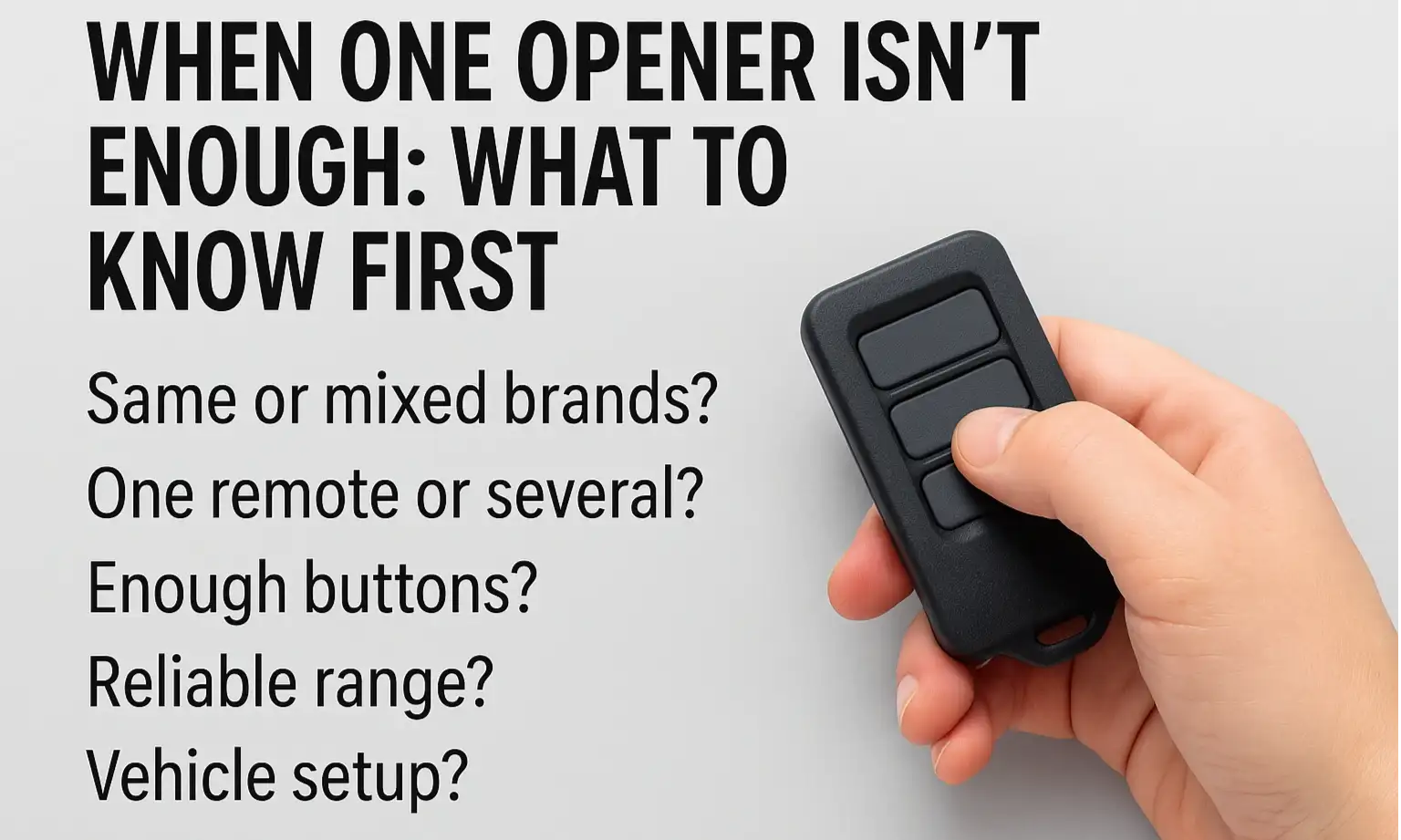
Many homeowners find themselves in situations where a single garage door opener just doesn’t cut it. Maybe you’ve added a new garage, or perhaps you just bought a property with several existing garage doors. Regardless of the reason, needing to manage multiple entry points can seem like a puzzle. Before you dive into programming, keep these key points in mind:
Knowing this upfront makes programming faster and prevents common setup issues. Most modern systems are built to handle multiple doors with ease.
How to Program Multiple Garage Door Openers (Step-by-Step)
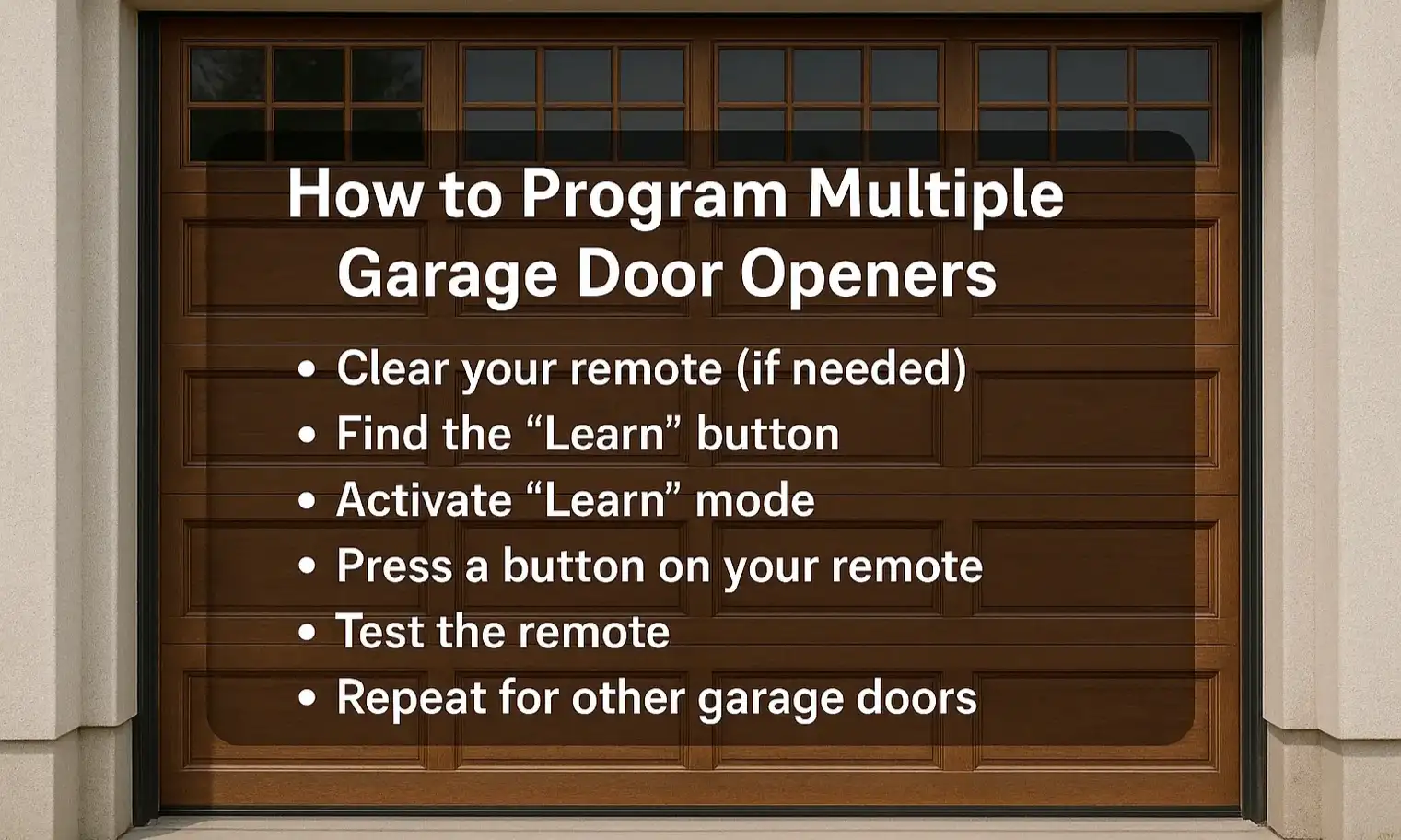
Getting your garage doors to work together with fewer remotes is a real time-saver.
Here are the general steps for programming multiple garage door openers with the “Learn” button:
Here are the general steps for programming multiple garage door openers with the “Learn” button:
For situations where you can’t reach the “Learn” button, some remotes let you copy the signal directly from an existing one. This method works with certain universal models and older fixed-code systems. For a full walkthrough, check our guide on how to program a garage door remote from another remote. Just make sure your remote is compatible, as not all systems support this feature, especially newer rolling-code systems.
How to Program Multiple Garage Door Remotes and Cars to the Same Opener
It’s common for a household to have several drivers, each needing access to the garage. This is where knowing how to program multiple garage door remotes and how to program multiple cars to a garage door opener becomes useful.
The process is straightforward for most systems. Here are the steps:
The process is straightforward for most systems. Here are the steps:
If you have interference or syncing errors, try clearing old codes before reprogramming. Being able to program two garage door openers or more to different remotes and vehicles makes access much simpler for everyone.
Need to Install a Second Opener or Upgrade Your System?
Sometimes programming isn’t enough — especially if you’re dealing with range issues, outdated hardware, or adding a new door. In these cases, a new opener may be the best move. Whether you’re planning how to program two garage door openers (or more), syncing remotes and cars, or setting up extra units, let our team at 24H Garage Doors take the guesswork out of the process. We provide reliable garage door opener installation services, tailored for American homes and businesses. This includes full setup, wiring, and programming. Contact us today to simplify your access and streamline your setup.
Frequently Asked Questions
What should I sort out before programming several doors to one remote?
Consider whether your openers are the same or mixed brands, whether you want all doors on one device or separate remotes, and whether your remote has enough button slots to cover every door. It also helps to test that the remote signal is reliable from typical entry points and to plan ahead if you're linking in-car garage controls.
Can a single remote control doors from different brands?
Matching brands simplifies syncing, but universal remotes often work across different models. Just make sure your remote has enough slots to cover all of your doors.
What are the steps to program multiple doors with the Learn button?
First clear your remote's memory if it has old programming, which usually means holding specific buttons until a light changes. Then find the Learn button on each opener's motor unit, often near the antenna, press and quickly release it so the indicator light blinks, and press a button on your remote within 30 seconds.
What can I do if I can't reach the opener's Learn button?
Some remotes let you copy the signal directly from an existing remote, which works with certain universal models and older fixed-code systems. Make sure your remote is compatible, since not all systems support this feature, especially newer rolling-code systems.