When your garage door opener stops responding to the remote or keypad, it’s easy to assume something’s broken. In reality, the fix is often much simpler — the garage door lock button might just be turned on.
This small button on the wall control panel is designed to block wireless access for added security — but it can also cause a lot of confusion if it’s activated by mistake. In this guide, we’ll explain what the lock button does, how to turn it off, and what to check if the door still seems unresponsive afterward.
How to Turn Off the Lock Button on a Garage Door Opener: Troubleshooting Guide
Published: Oct 22, 2025 | Updated: Jul 28, 2026
What Does the Lock Button on a Garage Door Opener Actually Do?
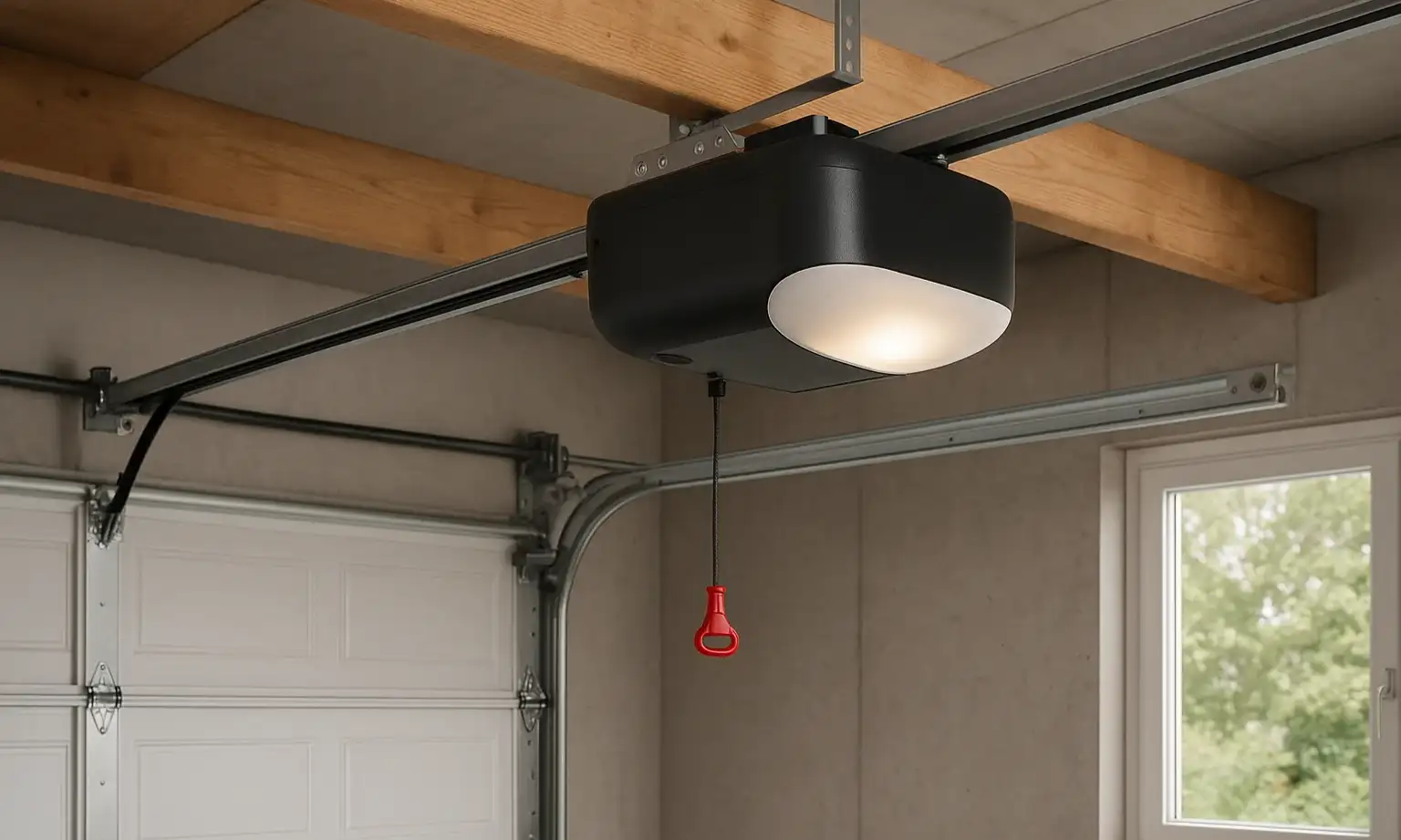
The lock button on a garage door opener disables remote and keypad signals while keeping the wall control active. It’s meant to prevent the door from being opened wirelessly — useful during vacations, nighttime hours, or when extra security is needed.
That said, the feature is often triggered without anyone realizing it. A family member might press it, thinking it controls the light, or a child might hit the button while playing near the wall panel. From there, remotes stop working — and it feels like the opener has failed. Thankfully, it’s an easy fix.
That said, the feature is often triggered without anyone realizing it. A family member might press it, thinking it controls the light, or a child might hit the button while playing near the wall panel. From there, remotes stop working — and it feels like the opener has failed. Thankfully, it’s an easy fix.
Step-by-Step: How to Turn Off the Lock Button on a Garage Door Opener
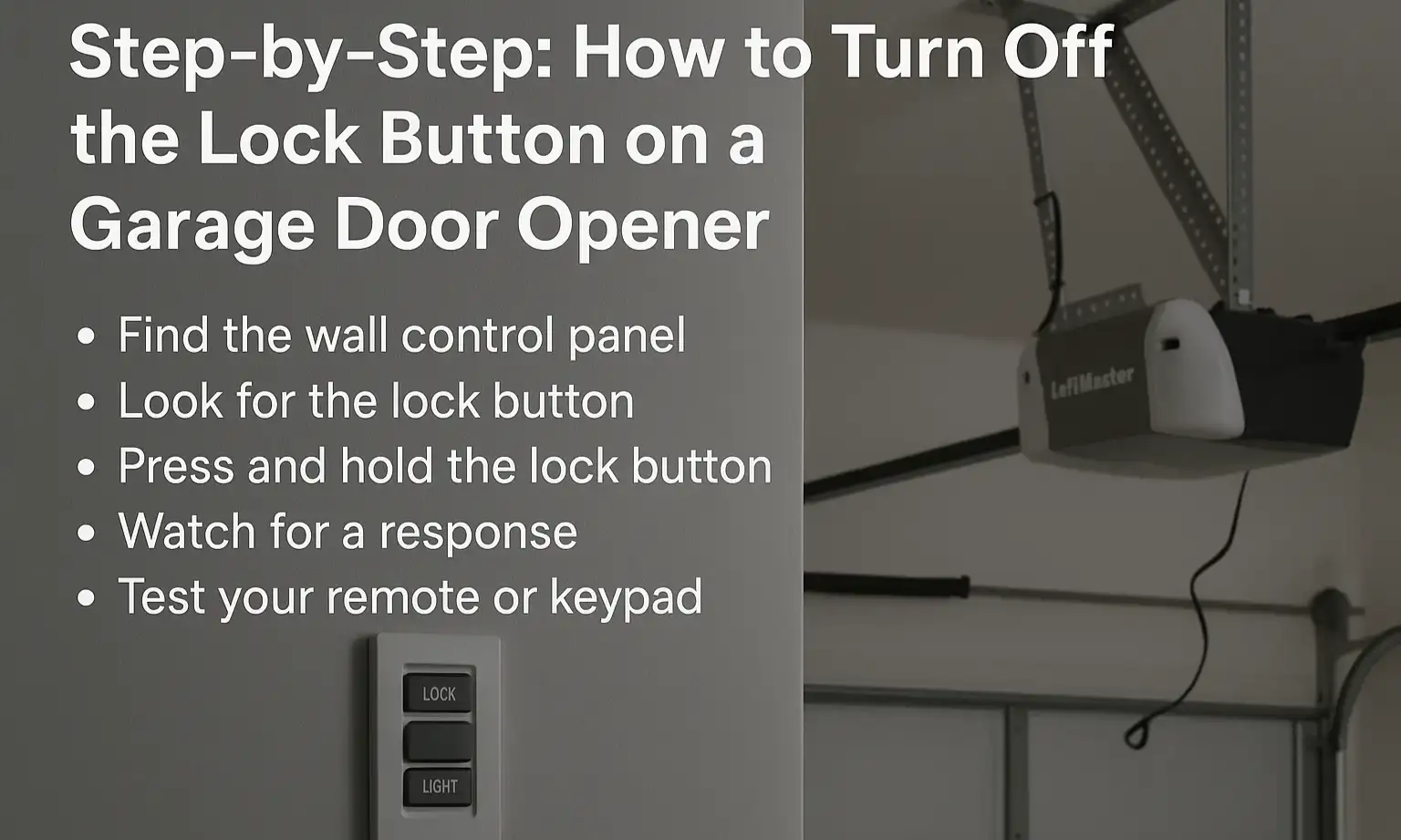
Most openers will return to normal function right away. If that doesn’t happen, the problem may involve the wall control or a signal issue that requires further troubleshooting.
Why Your Garage Door Might Still Seem Locked After Disabling the Button
Sometimes, even after the lock is turned off, the system still feels unresponsive. This doesn’t always mean there’s a major issue. A few things could be at play:
If the remote or keypad still isn’t working, the issue might not be with the lock button at all. In some cases, the system may simply need to be synced again. You can follow our remote programming guide to pair your remote back to the opener using a few quick steps.
Need Help with Your Garage Door Lock Button? Call 24H Garage Doors
If the garage door lock button isn’t responding, or the system stays locked no matter what you try, it could point to a deeper issue. A skilled technician can quickly check whether the panel, wiring, or opener is the real cause. 24H Garage Doors works with homeowners, business owners, landlords, and property managers across the region. Whether it’s a simple lock setting or something more technical, 24H Garage Doors can check the system, find the cause, and handle the garage door opener repair quickly and professionally. Reach out anytime to schedule a visit or get answers to your questions.
Lock Button FAQs
❓What does the LiftMaster lock button do?
The LiftMaster lock button is designed to disable remote and keypad access temporarily. When it’s activated, you can only operate the garage door from the wall control inside. It’s a great security feature, especially when you’re away or want to limit access. Just remember to turn it off when you’re ready to use remotes again.
❓Why isn’t my lock button garage door opener working?
If the lock button isn’t responding, it could be a power issue, a stuck contact, or a worn wall panel. Try holding it down for a few seconds to reset. If the opener still won’t respond to remotes, the lock function may not be disengaging properly. In that case, it’s a good idea to have a technician from 24H Garage Doors take a look and pinpoint the issue.
❓Where is the Chamberlain garage door opener lock button located?
On most models, the Chamberlain garage door opener lock button is located on the wall control panel, near the light and open/close buttons. It’s often marked with a padlock symbol or labeled “Lock.” If you’re not sure, check the user manual — some panels look nearly identical, but place the button in slightly different spots. Holding it for 3–5 seconds typically turns the lock mode on or off.
❓How do I turn off the LiftMaster garage door opener lock button?
To turn off the LiftMaster garage door opener lock button, press and hold the button on the wall control for a few seconds until the indicator light changes or a beep is heard. This re-enables access for remotes and keypads. If nothing happens, check for power at the panel or test with another control to confirm the issue. Resetting the opener may be needed if the lock feature won’t disengage.
❓What should I do if the lock button on my Chamberlain garage door opener is stuck?
If the lock button on a Chamberlain garage door opener feels stuck or isn’t working, start by checking the wall panel for dust, debris, or wear. Try pressing and holding the button gently — it may take a few seconds to respond. If it still doesn’t toggle the lock mode, there could be a wiring issue, or the control panel may need to be replaced.
The LiftMaster lock button is designed to disable remote and keypad access temporarily. When it’s activated, you can only operate the garage door from the wall control inside. It’s a great security feature, especially when you’re away or want to limit access. Just remember to turn it off when you’re ready to use remotes again.
❓Why isn’t my lock button garage door opener working?
If the lock button isn’t responding, it could be a power issue, a stuck contact, or a worn wall panel. Try holding it down for a few seconds to reset. If the opener still won’t respond to remotes, the lock function may not be disengaging properly. In that case, it’s a good idea to have a technician from 24H Garage Doors take a look and pinpoint the issue.
❓Where is the Chamberlain garage door opener lock button located?
On most models, the Chamberlain garage door opener lock button is located on the wall control panel, near the light and open/close buttons. It’s often marked with a padlock symbol or labeled “Lock.” If you’re not sure, check the user manual — some panels look nearly identical, but place the button in slightly different spots. Holding it for 3–5 seconds typically turns the lock mode on or off.
❓How do I turn off the LiftMaster garage door opener lock button?
To turn off the LiftMaster garage door opener lock button, press and hold the button on the wall control for a few seconds until the indicator light changes or a beep is heard. This re-enables access for remotes and keypads. If nothing happens, check for power at the panel or test with another control to confirm the issue. Resetting the opener may be needed if the lock feature won’t disengage.
❓What should I do if the lock button on my Chamberlain garage door opener is stuck?
If the lock button on a Chamberlain garage door opener feels stuck or isn’t working, start by checking the wall panel for dust, debris, or wear. Try pressing and holding the button gently — it may take a few seconds to respond. If it still doesn’t toggle the lock mode, there could be a wiring issue, or the control panel may need to be replaced.
Frequently Asked Questions
What does the LiftMaster lock button do?
The LiftMaster lock button is designed to disable remote and keypad access temporarily. When it’s activated, you can only operate the garage door from the wall control inside. It’s a great security feature, especially when you’re away or want to limit access. Just remember to turn it off when you’re ready to use remotes again.
Why isn’t my lock button garage door opener working?
If the lock button isn’t responding, it could be a power issue, a stuck contact, or a worn wall panel. Try holding it down for a few seconds to reset. If the opener still won’t respond to remotes, the lock function may not be disengaging properly. In that case, it’s a good idea to have a technician from 24H Garage Doors take a look and pinpoint the issue.
Where is the Chamberlain garage door opener lock button located?
On most models, the Chamberlain garage door opener lock button is located on the wall control panel, near the light and open/close buttons. It’s often marked with a padlock symbol or labeled "Lock." If you’re not sure, check the user manual — some panels look nearly identical, but place the button in slightly different spots. Holding it for 3–5 seconds typically turns the lock mode on or off.
How do I turn off the LiftMaster garage door opener lock button?
To turn off the LiftMaster garage door opener lock button, press and hold the button on the wall control for a few seconds until the indicator light changes or a beep is heard. This re-enables access for remotes and keypads. If nothing happens, check for power at the panel or test with another control to confirm the issue. Resetting the opener may be needed if the lock feature won’t disengage.
What should I do if the lock button on my Chamberlain garage door opener is stuck?
If the lock button on a Chamberlain garage door opener feels stuck or isn’t working, start by checking the wall panel for dust, debris, or wear. Try pressing and holding the button gently — it may take a few seconds to respond. If it still doesn’t toggle the lock mode, there could be a wiring issue, or the control panel may need to be replaced.