We’ve all been there – rushing out in the morning or coming home after a long day, only to face an unexpected issue. A malfunctioning garage door remote is one of those small but frustrating inconveniences. Maybe the signal is weak, it works sporadically, or it’s stopped responding entirely.
Here’s the good news: most remote issues are easier to fix than you might think. With just a little troubleshooting, you can often get things back to normal in no time. You do not even need any tech experience or special skills to do it!
In this guide, we’ll show you step-by-step instructions on how to fix a garage door opener remote. From simple checks to effective solutions, you’ll have everything you need to get that remote working again. Ready to restore the convenience? Let’s get started!
How to Fix Garage Door Opener Remote Signal Issues
Published: Jan 15, 2025 | Updated: Jul 28, 2026
What Causes Garage Door Remote Signal Problems?
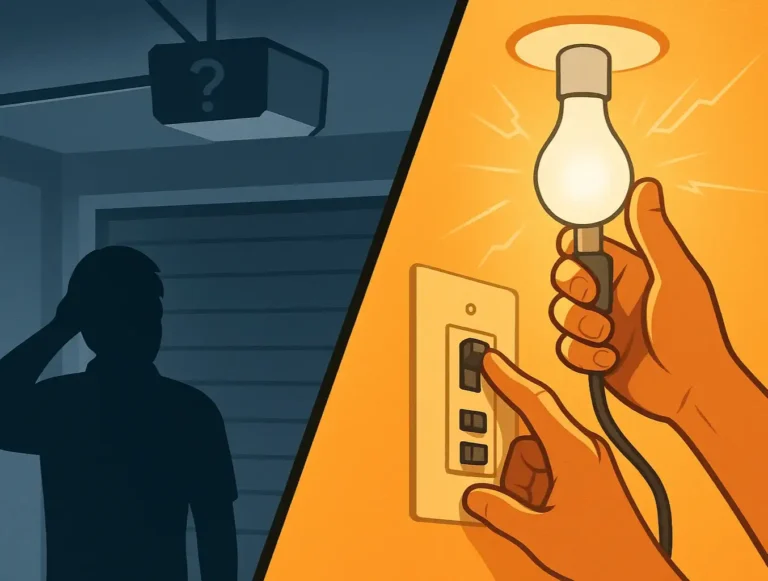
If your garage door remote isn’t operating properly, there could be a few reasons behind the issue. One of the most common causes is interference from other devices in your home. Wi-Fi routers, cordless phones, or even nearby electronics can disrupt the signal, making the remote less reliable or, in some cases, completely unresponsive.
Another reason could be outdated equipment. If your remote is an older model, it might not communicate well with modern garage door systems, leading to frequent connectivity problems.
Another reason could be outdated equipment. If your remote is an older model, it might not communicate well with modern garage door systems, leading to frequent connectivity problems.
Last but not least, there’s regular wear and tear. Over time, the internal components of the remote can break down, causing weak signals or inconsistent performance. Similarly, other garage door issues, like excessive noise or a regularly stuck door, require immediate attention to prevent further damage. Tired of searching for a noisy garage door fix or struggling with recurring problems? Reach out to a trusted professional to restore your garage door’s performance and keep it running smoothly.
However, if you enjoy DIY projects or seek to save some money, we have good news for you. Some garage door opener issues are simple to fix on your own. Taking care of them early can save you time and money in the long run. So, let’s explore these common problems in more detail and go over the best ways to resolve them quickly and safely.
Check the Basics First
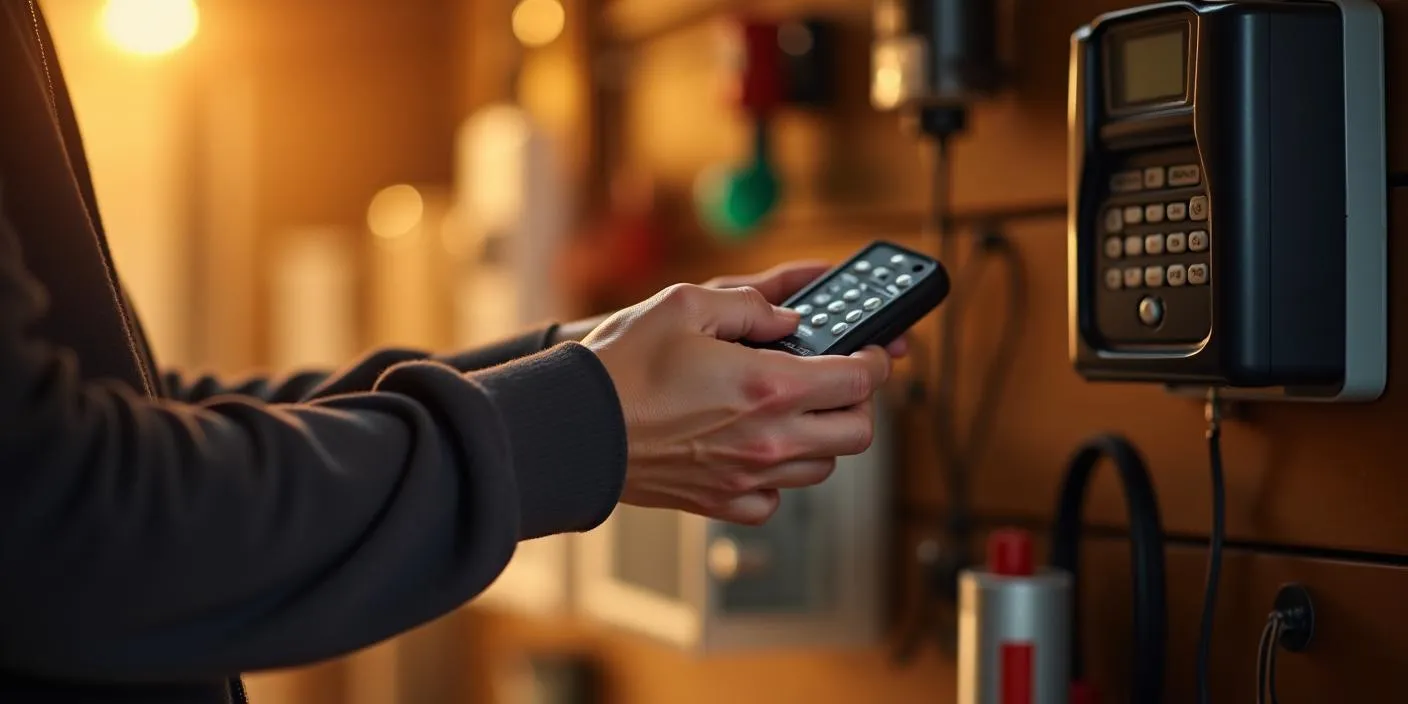
Sometimes, the easiest fixes are all it takes to get your garage door opener remote working again. Before assuming it’s a bigger problem, take a moment to check a few common issues that are often overlooked.
Start with the Basics:
If these quick checks don’t fix the problem, don’t worry – there’s still plenty more you can try to fix your garage door opener remote. Let’s explore more effective solutions to get things back on track.
Look for Signal Interference
Your garage door opener remote works by sending a signal to the opener system. However, this signal can sometimes get disrupted. Here’s what to watch for if you ever face a malfunction:
If you suspect interference is the issue, clearing up the signal path should resolve the problem.
Test the Range
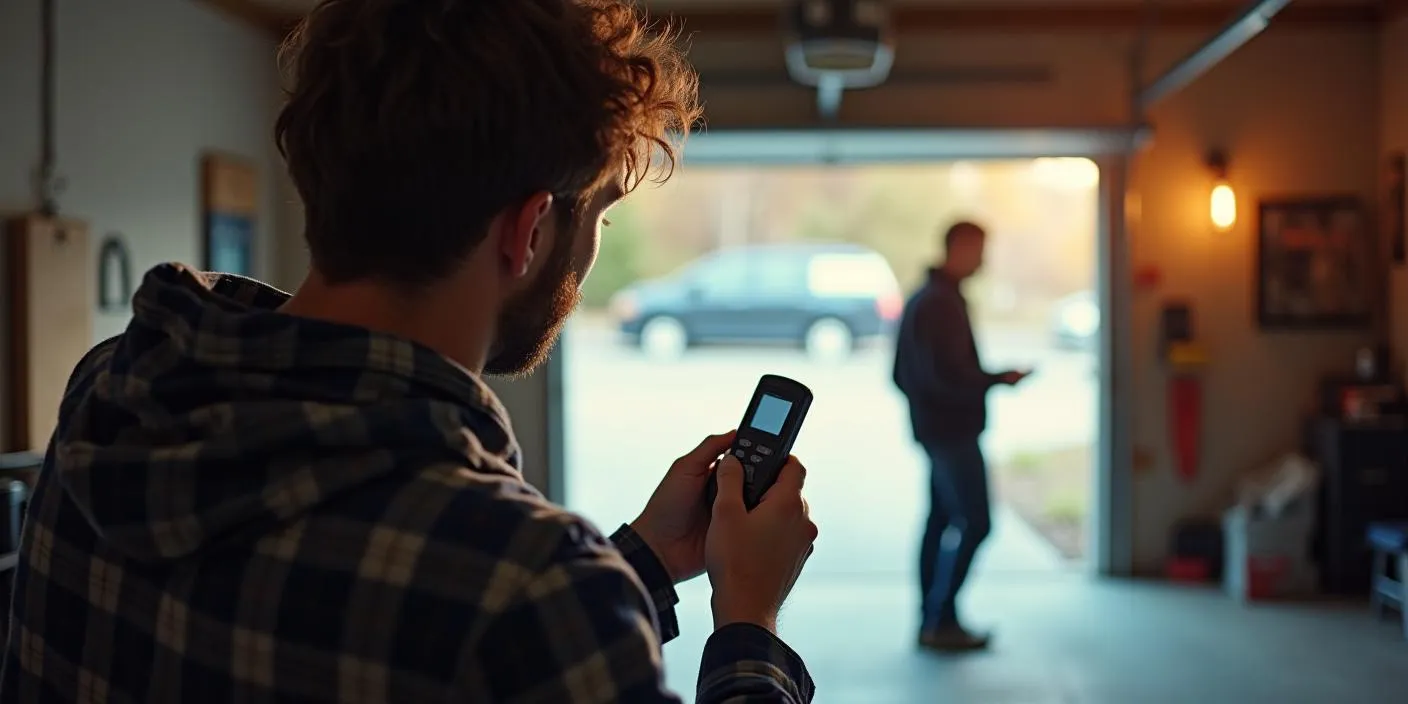
Most garage door remotes are designed to work within a specific range, typically between 20 to 50 feet. If your remote only works when you’re standing right next to the door, it could indicate a problem with the signal. Here are a few common reasons why the range might be limited:
By identifying the cause, you can address the problem more effectively and restore your remote’s range. If none of these solutions work, it might be time to consult a professional for a thorough inspection.
Reprogram the Remote
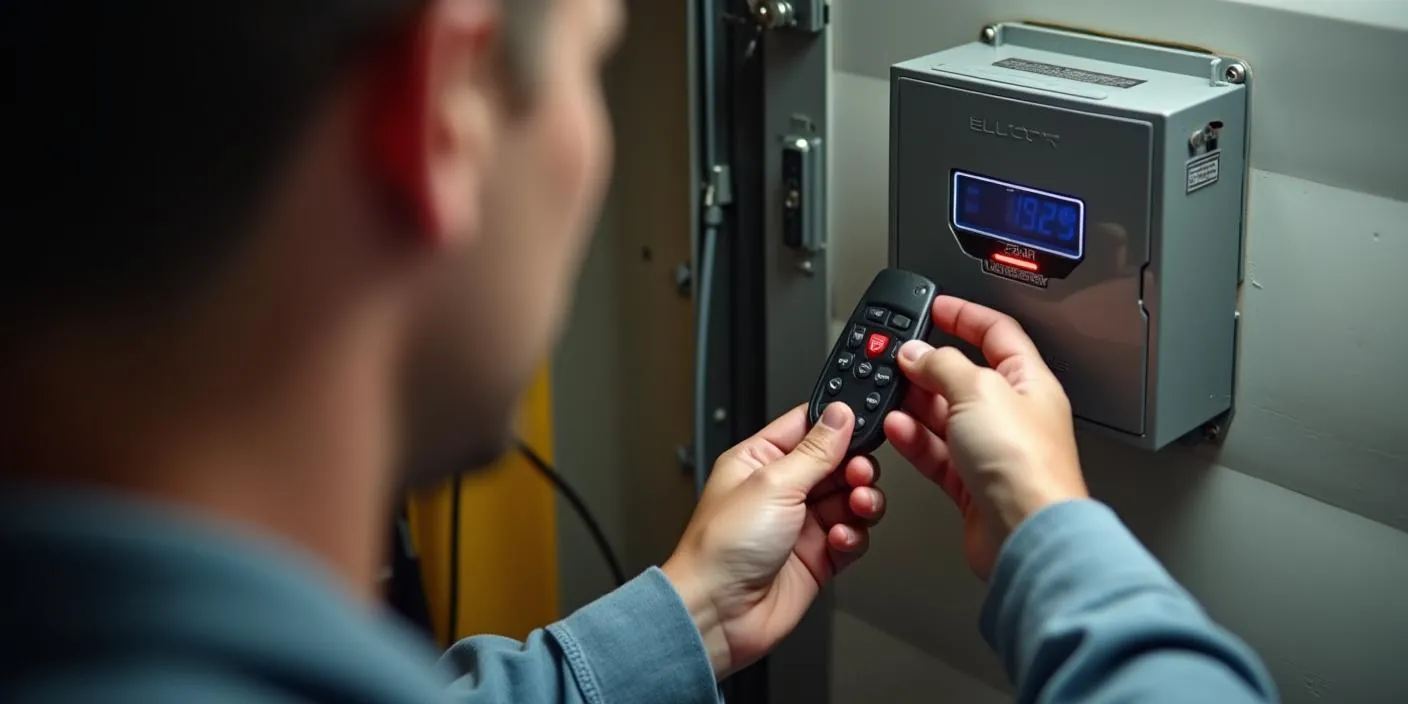
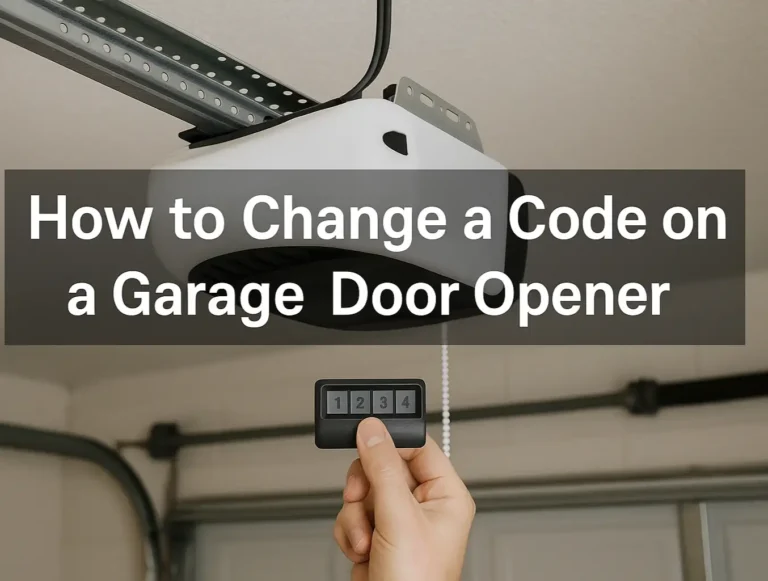
Sometimes, your garage door remote and opener lose their connection. This can happen after a power outage, a system glitch, or even after replacing the batteries. Luckily, reprogramming the remote is a simple way to reestablish the connection. Here’s a step-by-step guide:
If the pairing doesn’t work, double-check your garage door opener’s manual for model-specific instructions. Some models require a slightly different process, like pressing the remote button multiple times or holding it longer.
Generally, reprogramming is a straightforward fix that can resolve many remote signal issues. However, if the problem persists, it’s always best to choose professional garage door services from experienced technicians. This way, you can be sure the issue will be resolved quickly and correctly.
Generally, reprogramming is a straightforward fix that can resolve many remote signal issues. However, if the problem persists, it’s always best to choose professional garage door services from experienced technicians. This way, you can be sure the issue will be resolved quickly and correctly.
Replace or Upgrade the Remote
If you’ve tried everything and your remote still isn’t working, it might be time to replace it or even consider an upgrade. Getting a new remote is usually simple. Just check the brand and model of your garage door opener to make sure it is compatible. Universal remotes are easy to find at hardware stores or online and are designed to work with most systems.
If you’re looking for something more advanced, you could upgrade to a smart garage opener. These modern devices let you use your smartphone to open and close your garage door, offering greater convenience, better features, and even the ability to monitor activity remotely.
Whether you choose a simple replacement or decide to upgrade to a smart opener, this could be the perfect fix for your garage door troubles. Feeling stuck or unsure about the next step? 24H Garage Doors is here to make the process easy and hassle-free! We’re always happy to help.
If you’re looking for something more advanced, you could upgrade to a smart garage opener. These modern devices let you use your smartphone to open and close your garage door, offering greater convenience, better features, and even the ability to monitor activity remotely.
Whether you choose a simple replacement or decide to upgrade to a smart opener, this could be the perfect fix for your garage door troubles. Feeling stuck or unsure about the next step? 24H Garage Doors is here to make the process easy and hassle-free! We’re always happy to help.
Conclusion
In short, most garage door remote issues can be resolved with basic troubleshooting. Simple fixes like replacing the batteries or reprogramming the remote are often all you need. However, if the problem persists or you’d rather leave it to the experts, professional garage door services are just a call away.
Your garage door plays a key role in your home’s security and daily routine, so keeping it in top condition is always a smart choice. Dealing with a persistent garage door issue? 24H Garage Doors is here to help! Contact us today, and we’ll take care of the rest!
Your garage door plays a key role in your home’s security and daily routine, so keeping it in top condition is always a smart choice. Dealing with a persistent garage door issue? 24H Garage Doors is here to help! Contact us today, and we’ll take care of the rest!
Frequently Asked Questions
Why is my garage door opener remote suddenly not working or having a short range?
The most common cause of sudden remote failure or decreased operating range is weak or dead batteries. Before troubleshooting other system components, replace the coin-cell or alkaline batteries in your remote control and test it from various distances outside the garage.
Can LED light bulbs cause interference with garage door remotes?
Yes, standard LED and compact fluorescent (CFL) light bulbs emit radio frequency (RF) interference that can block or severely disrupt the signals between your remote control and the opener motor head. To resolve this, switch to garage door opener-specific LED bulbs or traditional incandescent bulbs that are shielded against RF emission.
How do I check if RF interference is blocking my garage door remote signal?
To test for radio frequency interference, turn off the circuit breaker to your garage lighting or remove all light bulbs from the opener motor head, then test your remote. If your operating range improves immediately, an electronic device—such as unshielded LED bulbs, Wi-Fi routers, security cameras, or cordless tool battery chargers plugged in nearby—is causing signal interference.
Why does my garage door remote work inside the garage but not from outside?
When a remote works close to the motor but fails outside, check the hanging antenna wire on the ceiling-mounted motor head. Ensure the wire is intact, hanging straight down, and not coiled, damaged, or tucked inside the motor housing. Metal building insulation, foil-backed sheathing, or aluminum siding can also degrade RF signals trying to penetrate exterior walls.
How do I reprogram or reset my garage door opener remote?
Locate the Learn button on the back or side panel of your ceiling-mounted garage door opener motor head. Press and release the Learn button (the indicator LED will illuminate solid), then within 30 seconds press and hold the main command button on your remote control until the opener lights flash or click to confirm successful pairing.
Why does my wall control work, but none of my remote controls open the door?
If your wall console operates the door smoothly but all wireless remotes fail simultaneously, check if the Lock or Vacation Mode feature is enabled on your wall control panel. This security setting intentionally disables all wireless remote signals. Press and hold the Lock button on the wall console for 3 to 5 seconds until the indicator light stops blinking to deactivate it.