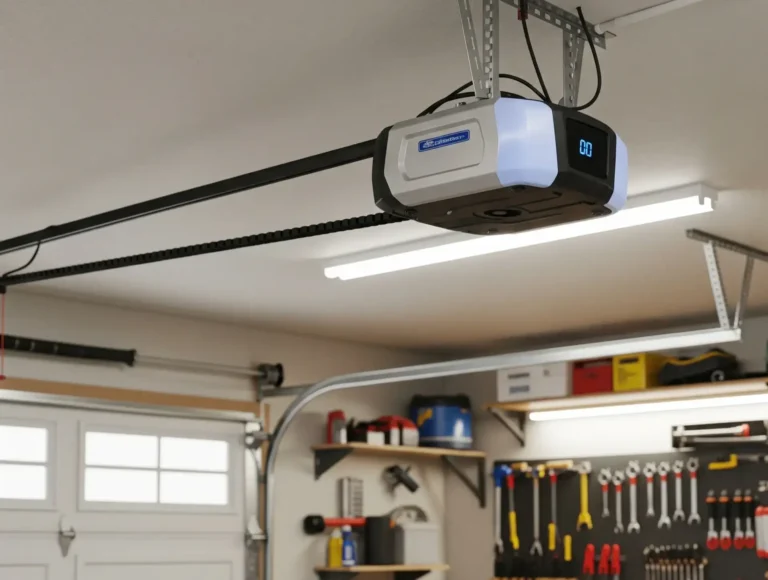
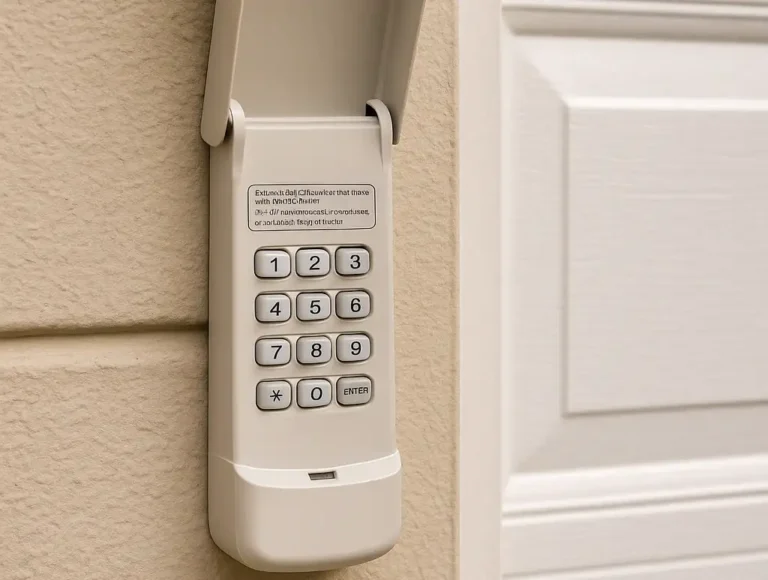
Your garage should feel like a safe, controlled space. Learning how to erase garage door opener settings is a simple way to regain control and enhance your home’s security. Let 24H Garage Doors show you how to do it right, so everything behind that door stays secure and stress-free.
How to Erase Garage Door Opener Settings: Clear Remotes & Keypads Fast
Published: Aug 25, 2025 | Updated: Jul 28, 2026
Why You May Need to Erase Garage Door Opener Settings
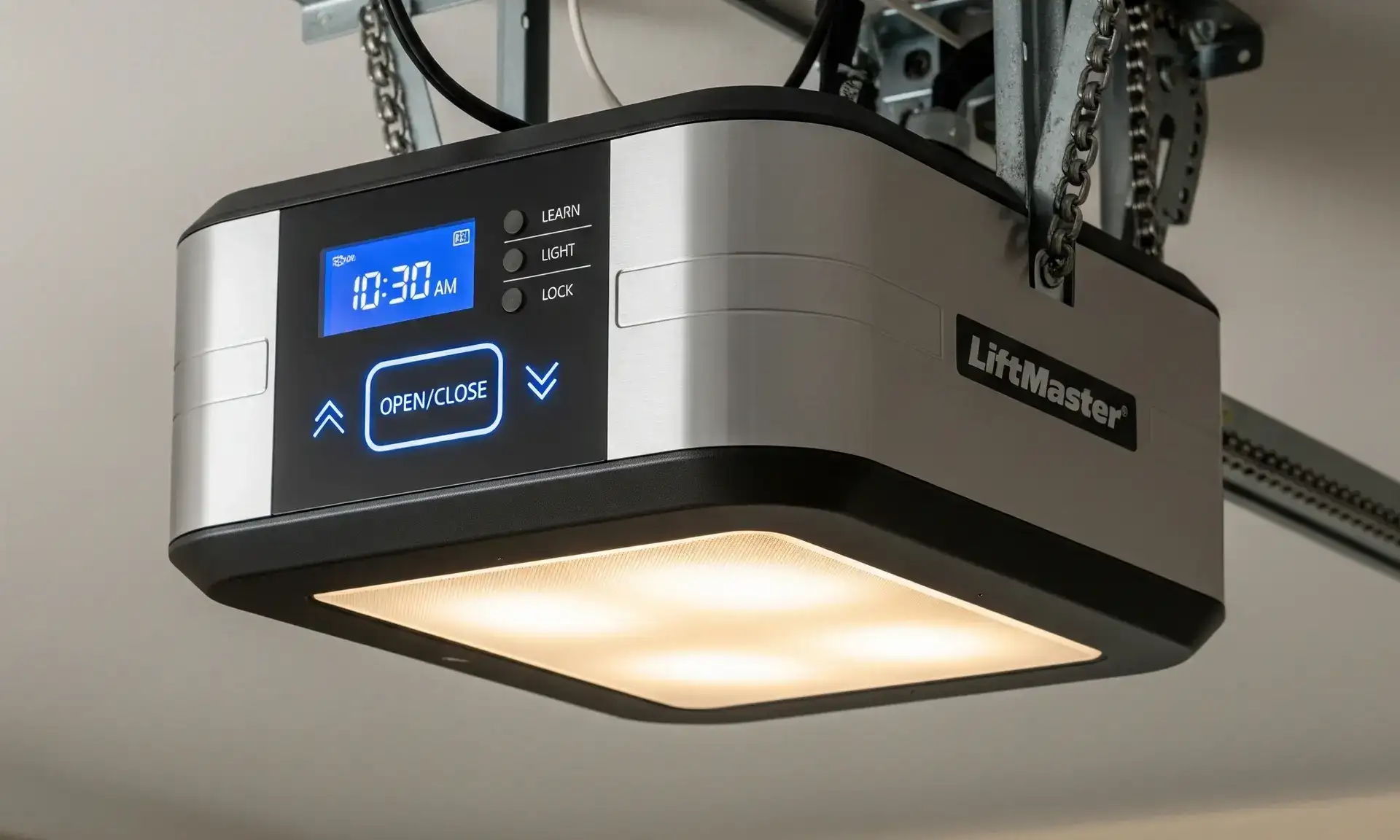
There are plenty of everyday situations where knowing how to erase garage door opener settings is useful. If a remote or keypad goes missing, clearing the system helps keep your property secure. The same applies when you move into a new home — resetting the opener ensures you’re the only one with access.
Whether you’re upgrading equipment or parting ways with a tenant or employee, knowing how to delete garage door opener settings helps you quickly regain control and protect your space.
Whether you’re upgrading equipment or parting ways with a tenant or employee, knowing how to delete garage door opener settings helps you quickly regain control and protect your space.
How to Erase Garage Door Opener Codes
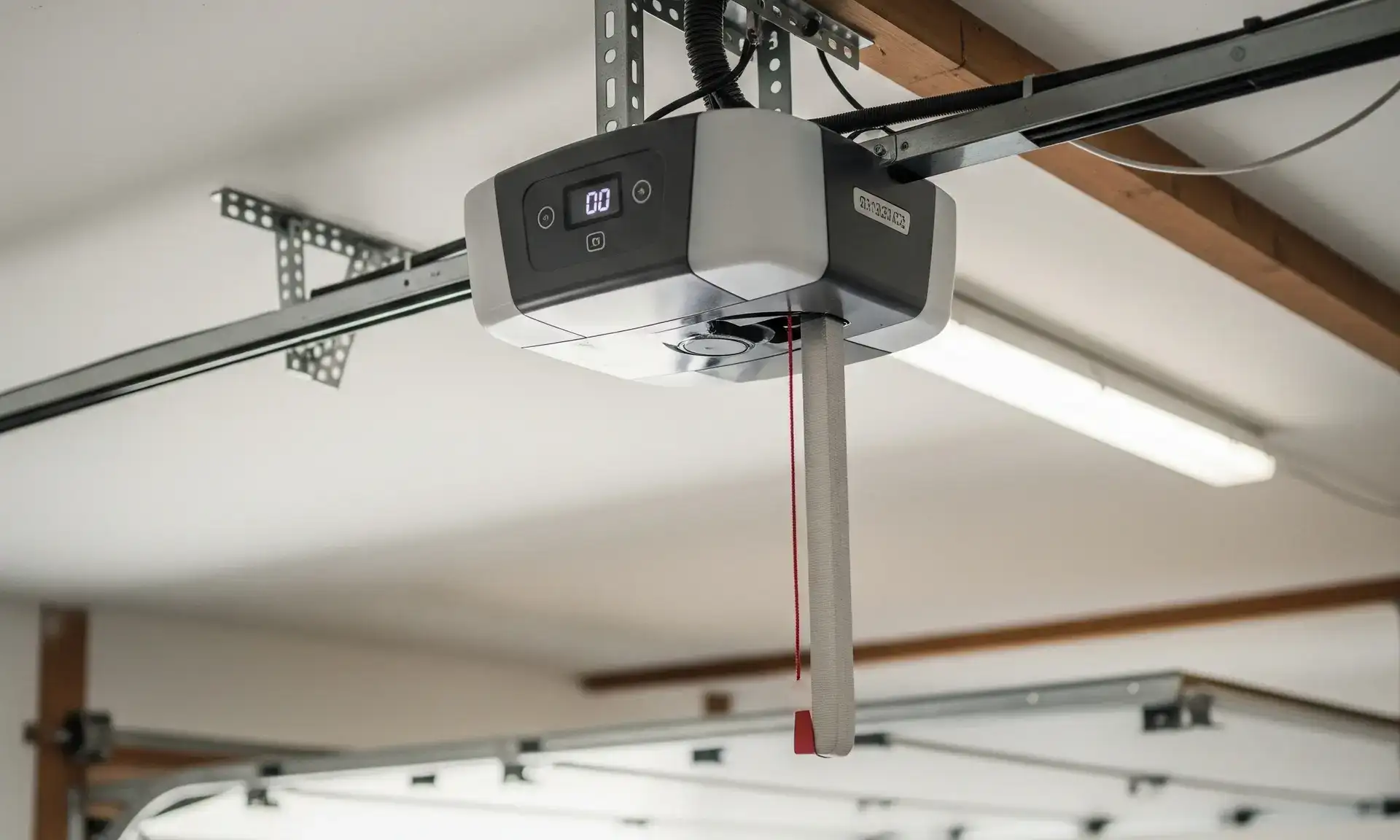
If you’re looking for a clear guide on how to erase garage door opener codes, here’s a simple method that works for most systems:
If you’ve been wondering how to clear codes on garage door opener systems, this is the most straightforward method.
How to Erase a Garage Door Opener Remote
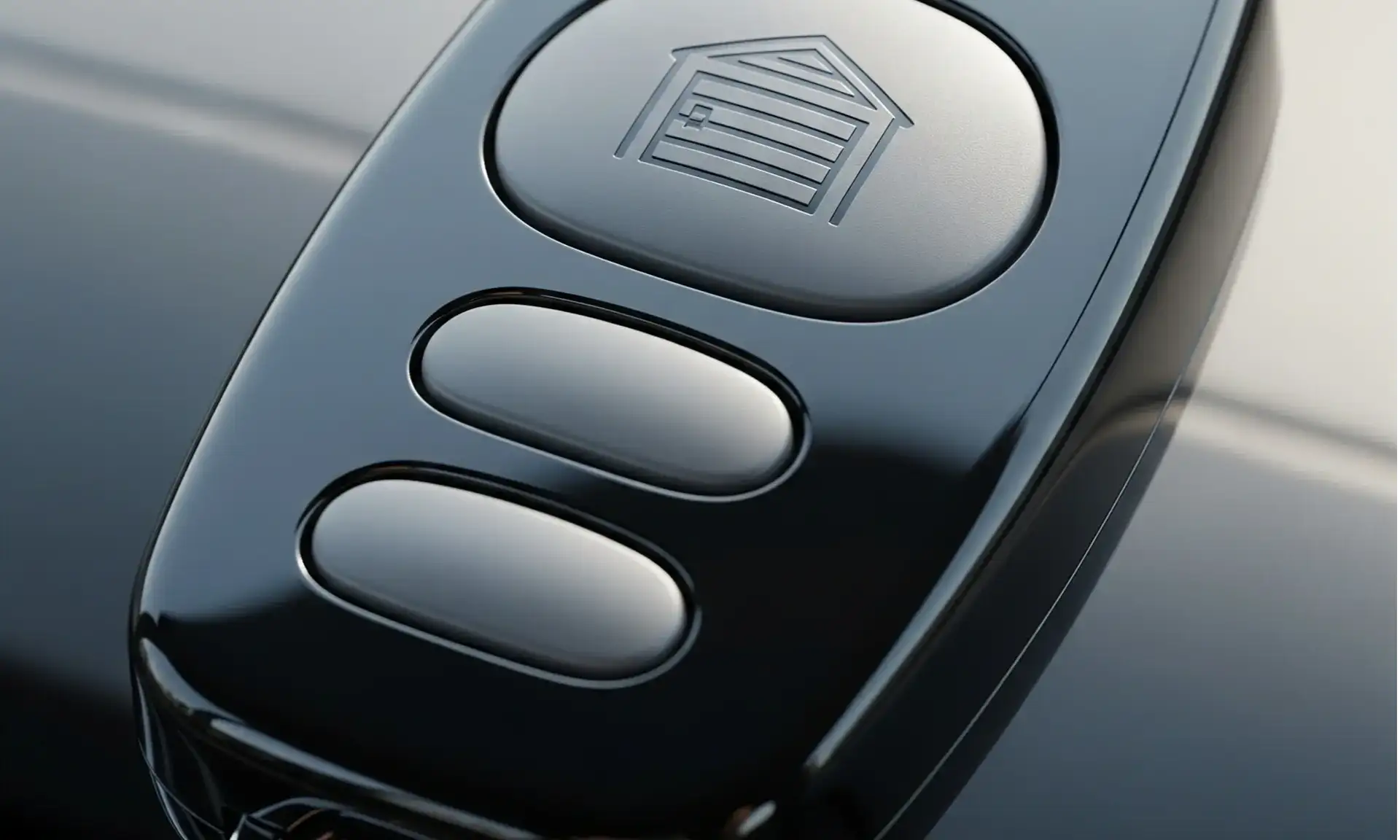
If you’re looking for how to erase the garage door opener remote without resetting the entire system, start by checking your opener’s manual. Some models support individual remote deletion. If yours does, press the “Learn” button once (don’t hold it), then press the button on the remote you want to remove. If the LED blinks, the remote has been erased.
Most systems, however, require a full reset to remove remotes. After resetting, you can reprogram only the ones you still need.
If you’re having trouble with this process, the team at 24H Garage Doors can take care of it promptly and accurately. We offer expert support and garage door opener repair for all major brands and models.
Most systems, however, require a full reset to remove remotes. After resetting, you can reprogram only the ones you still need.
If you’re having trouble with this process, the team at 24H Garage Doors can take care of it promptly and accurately. We offer expert support and garage door opener repair for all major brands and models.
How to Clear a Garage Door Opener in a Car
Modern vehicles often include built-in systems — for example, HomeLink — that store remote access codes. If you plan to sell your car, transfer ownership, or update your setup, it’s important to know how to clear garage door opener systems in your car.
If you’re wondering how to delete a garage door opener from your car’s system, here’s what to do:
If you’re wondering how to delete a garage door opener from your car’s system, here’s what to do:
After that, it’s smart to know how to erase the garage door opener in the car completely. Even if the car’s memory is cleared, your garage door opener may still respond to it. To fully disconnect, clear the in-car memory again and press the “Learn” button on your garage opener until its light turns off — this wipes stored codes on the garage side.
How to Disable a Garage Door Opener
Shutting down an old garage system isn’t just about upgrades — it’s also about safety. Whether your unit’s malfunctioning or you’re securing a vacant property, knowing how to disable garage door opener setups is a smart move. For step-by-step instructions, check out our full guide on how to deactivate a garage door opener.
What Happens After You Reset
Once you’ve cleared the codes, your remotes, keypads, or vehicle openers will stop working. You’ll need to reprogram each one individually. Most devices can be re-added by pressing the “Learn” button on your opener and syncing the remote or keypad. For detailed instructions, refer to our guide on how to reprogram a garage door opener.
If your system isn’t responding, or the process seems confusing, 24H Garage Doors has the experience to get it sorted. From stubborn remotes to full system upgrades, we handle every fix quickly and professionally.
If your system isn’t responding, or the process seems confusing, 24H Garage Doors has the experience to get it sorted. From stubborn remotes to full system upgrades, we handle every fix quickly and professionally.
Summing Up
Learning how to erase garage door opener settings gives you one less thing to worry about. You can easily clear outdated codes by pressing the “Learn” button or resetting your vehicle’s garage settings.
Still have questions or just prefer professional service? 24H Garage Doors handles everything from resets to full system updates — quickly and reliably. Let us take care of your garage door system so you don’t have to worry about the technical stuff.
Still have questions or just prefer professional service? 24H Garage Doors handles everything from resets to full system updates — quickly and reliably. Let us take care of your garage door system so you don’t have to worry about the technical stuff.
Frequently Asked Questions
Why would I need to wipe my garage door opener's saved settings?
Clearing the system is useful in many everyday situations, such as when a remote or keypad goes missing and you want to keep your property secure. It's also helpful when you move into a new home so you're the only one with access, or when upgrading equipment or parting ways with a tenant or employee. Erasing the settings helps you quickly regain control and protect your space.
What's the standard way to clear all the codes stored in the opener?
Find the "Learn" or "Smart" button on the opener's main unit, which is usually near the light or under the cover. Press and hold that button for about 6 to 10 seconds and watch for the LED light to turn off. Once the light goes out, the opener's memory is wiped, and no remotes or keypads will work until they are reprogrammed.
Can I remove just one remote without erasing everything?
Some models support individual remote deletion, so it's worth checking your opener's manual first. If yours does, press the "Learn" button once without holding it, then press the button on the remote you want to remove, and a blinking LED means the remote has been erased. Most systems, however, require a full reset to remove remotes, after which you can reprogram only the ones you still need.
How do I remove my garage door access from a car's built-in system?
Modern vehicles often include built-in systems like HomeLink that store remote access codes, which matters if you plan to sell the car or transfer ownership. With the vehicle on, locate the built-in garage control system and press and hold the outer two buttons for about 20 seconds. Because the opener may still respond even after the car's memory is cleared, you should also press the "Learn" button on the garage opener until its light turns off to wipe the stored codes on the garage side.